
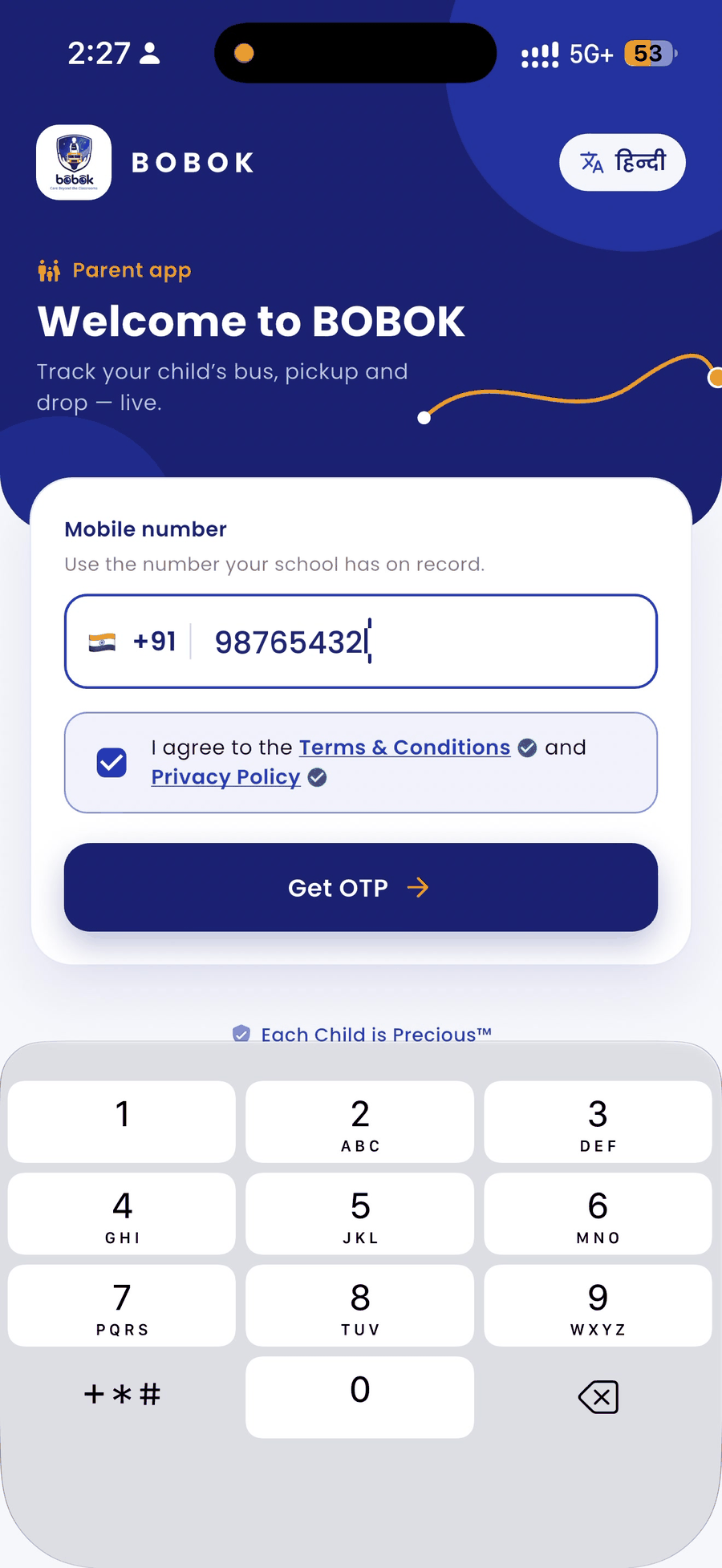
Before you use the Parent app, you agree to BOBOK's Terms & Conditions and Privacy Policy. You can read them at any time.
At login
- On the login screen, tick I agree to the Terms & Conditions and Privacy Policy.
- Tap the blue Terms & Conditions or Privacy Policy link to read the full text.
Read them later
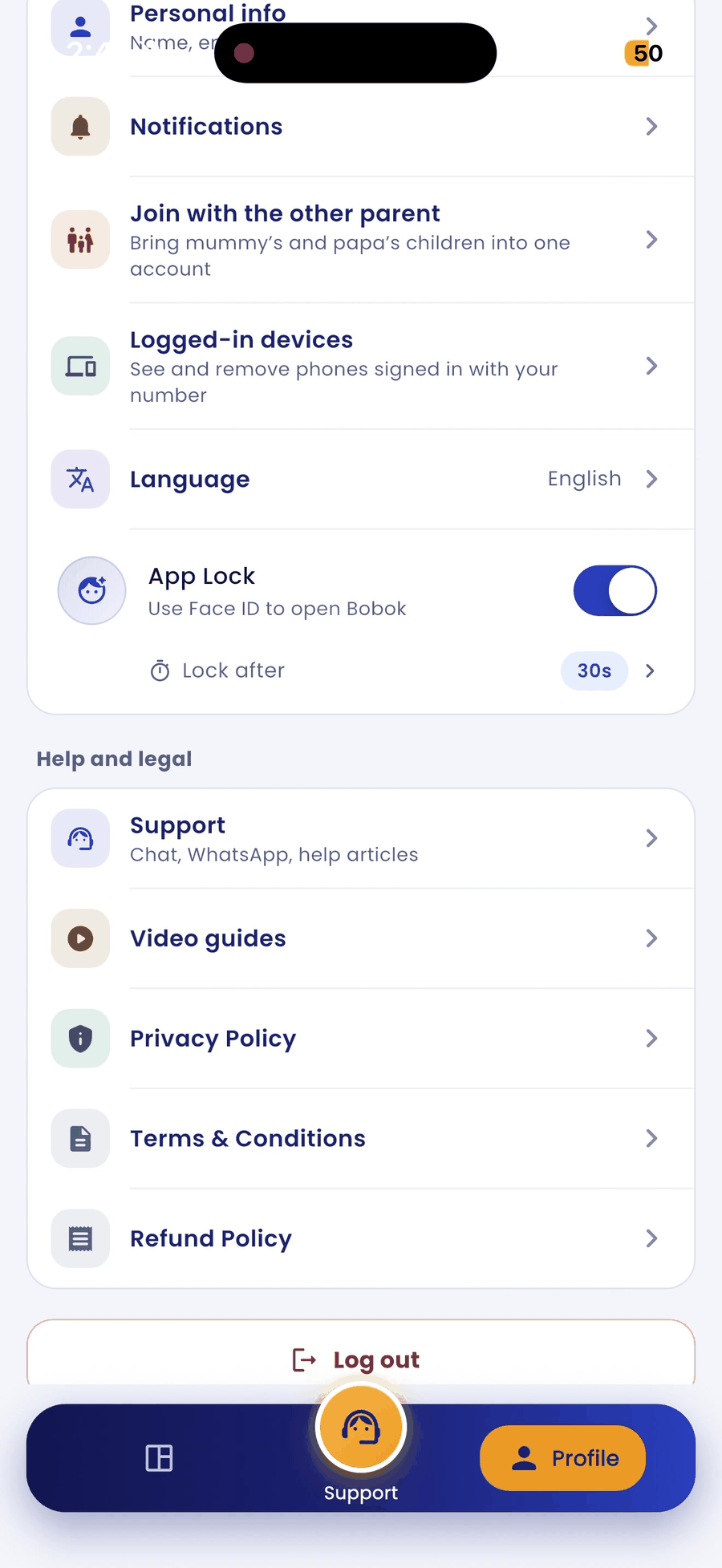
- Tap the Profile tab at the bottom right.
- Scroll to Help and legal.
- Tap Privacy Policy, Terms & Conditions or Refund Policy.
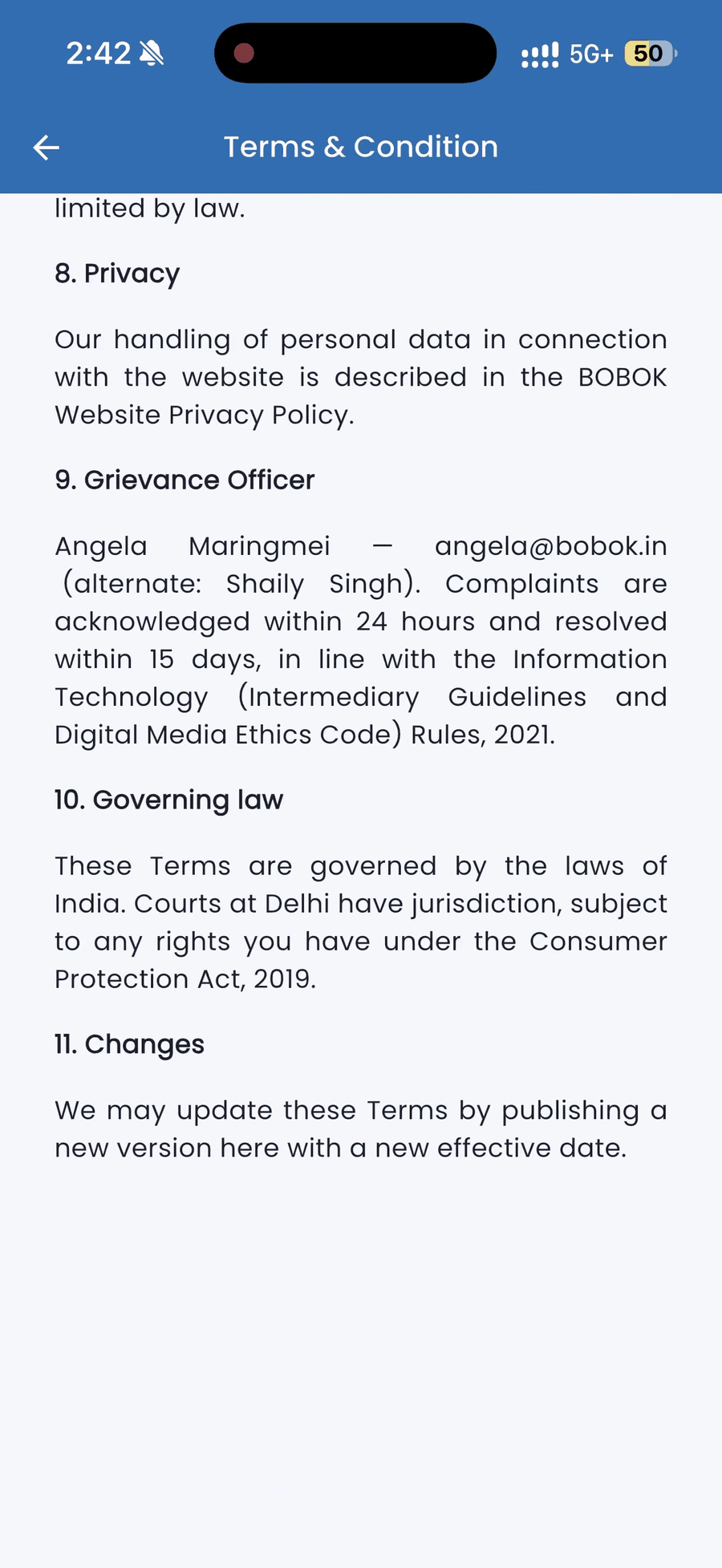
[Screenshot: P-03_app_03_terms-page_en.png]
When a policy is updated
When BOBOK publishes a new version, the app shows it the next time you open it. Scroll to the end and tap I Have Read & Agree to continue using the app.
Good to know
- The Parent app has its own Terms and its own Privacy Policy.
- Your plan is provided and billed by your school. Questions about fees or refunds go to your school.
- To ask about your data, write to privacy@bobok.in.