
Get help
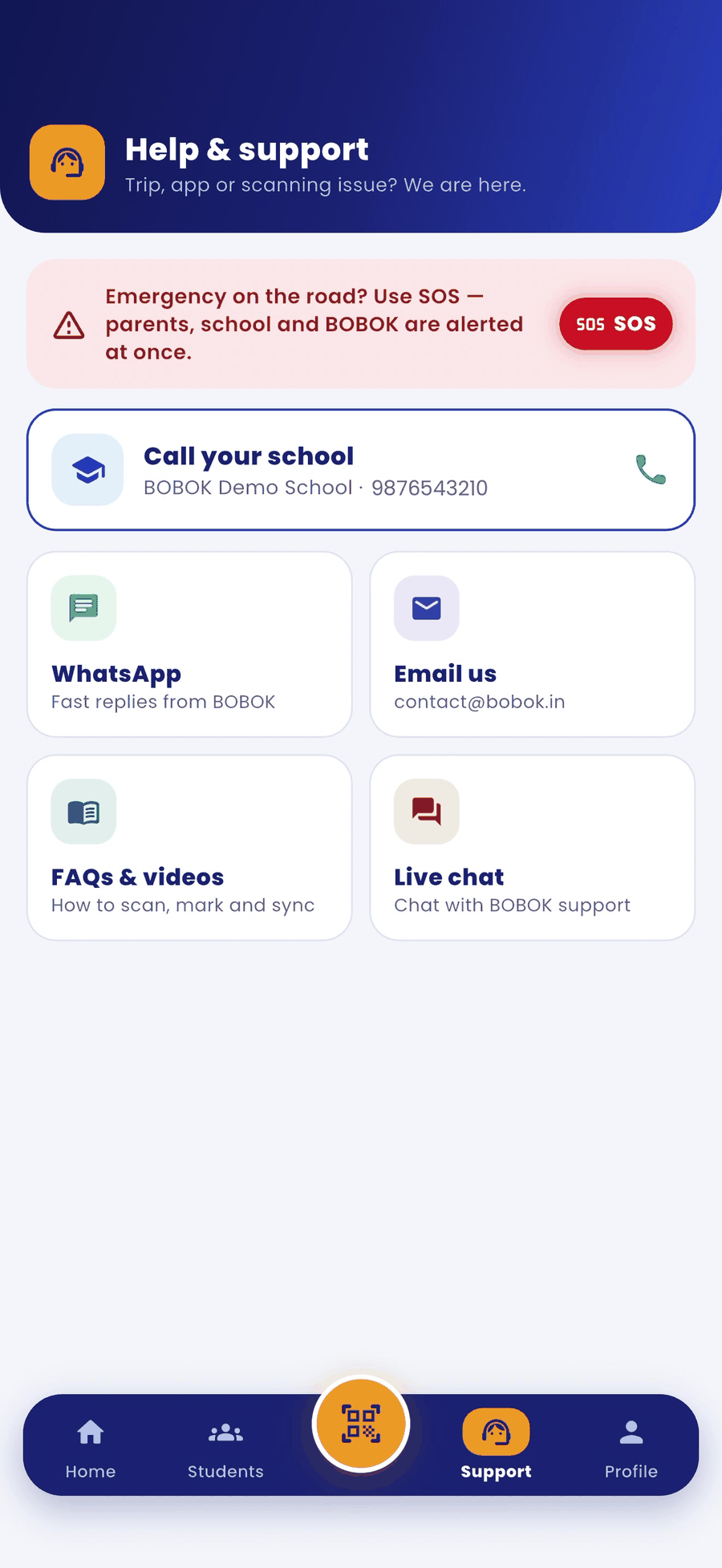
- Tap Support in the bottom bar.
- Choose an option:
- Call your school: the fastest way to sort out route or child questions.
- WhatsApp: quick replies from BOBOK.
- Email us: contact@bobok.in
- FAQs & videos: how to scan, mark and sync.
- Live chat: chat with BOBOK support.
Your profile
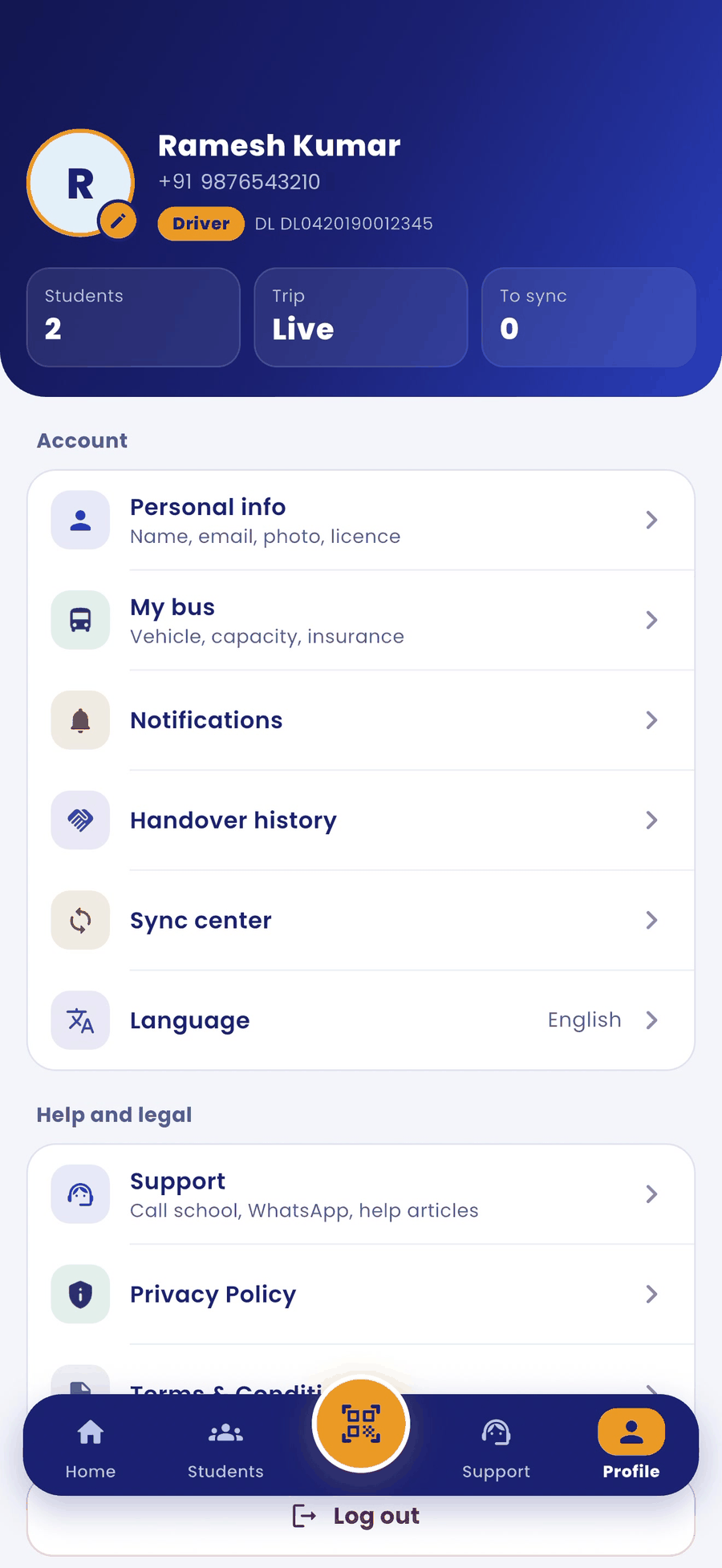
Tap Profile in the bottom bar to see:
- Personal info: name, email, photo and licence.
- My bus: vehicle, capacity and insurance.
- Notifications, Handover history, Sync center and Language.
- Support, Privacy Policy and Terms & Conditions, and Log out at the bottom.
Good to know
- If the network drops during a trip, the app keeps your scans safely on the phone and sends them when you are back online. Sync center shows anything still waiting to upload.
- Your account is managed by your school. To change your number or leave, contact the school.