
Use SOS only in a real emergency, such as an accident, breakdown or medical problem.
Raise an SOS
- Tap the red SOS button at the top right of the home screen.
- Choose the type of emergency: Accident, Breakdown, Medical, Child safety, Harassment, Lost / stranded or Other. You can add a short note.
- Press and hold the big SOS button until it sends.
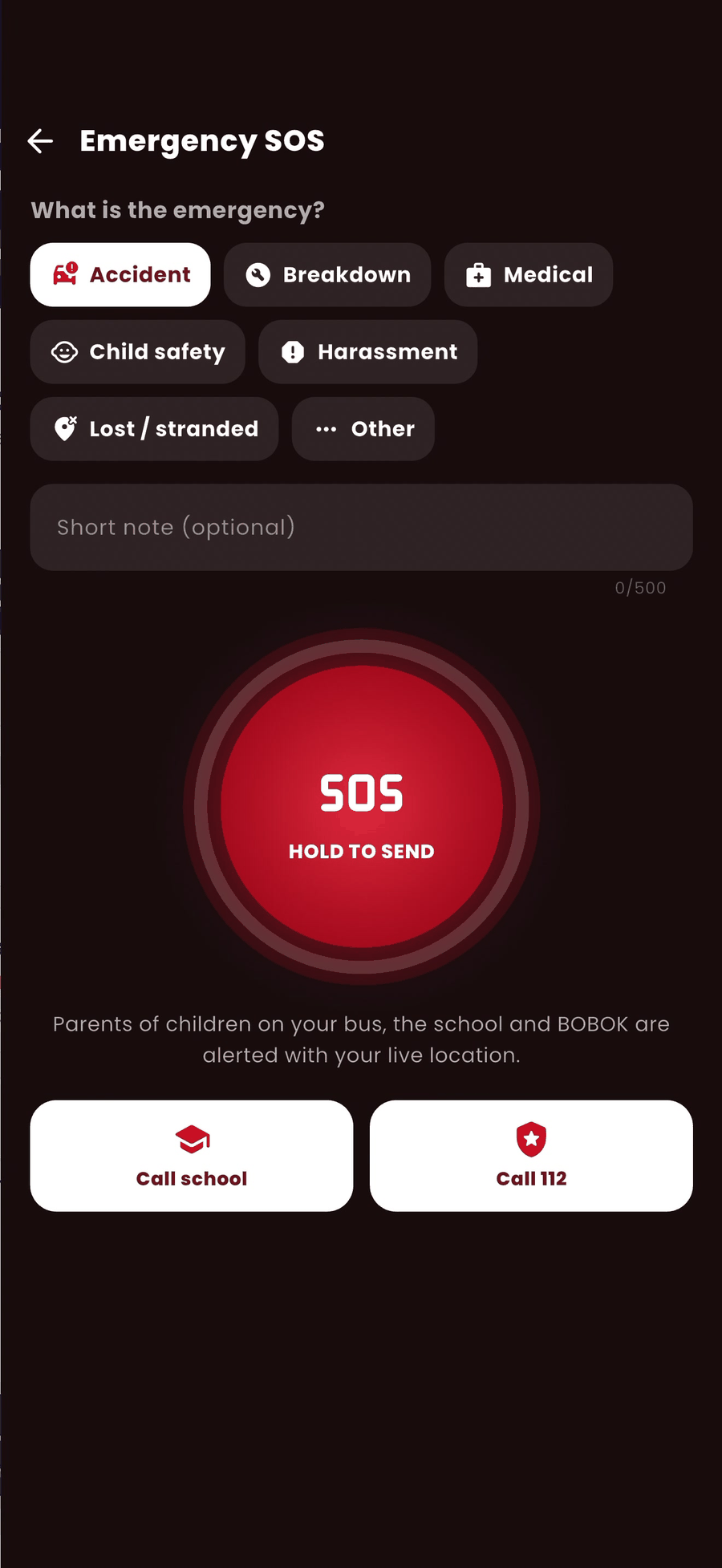
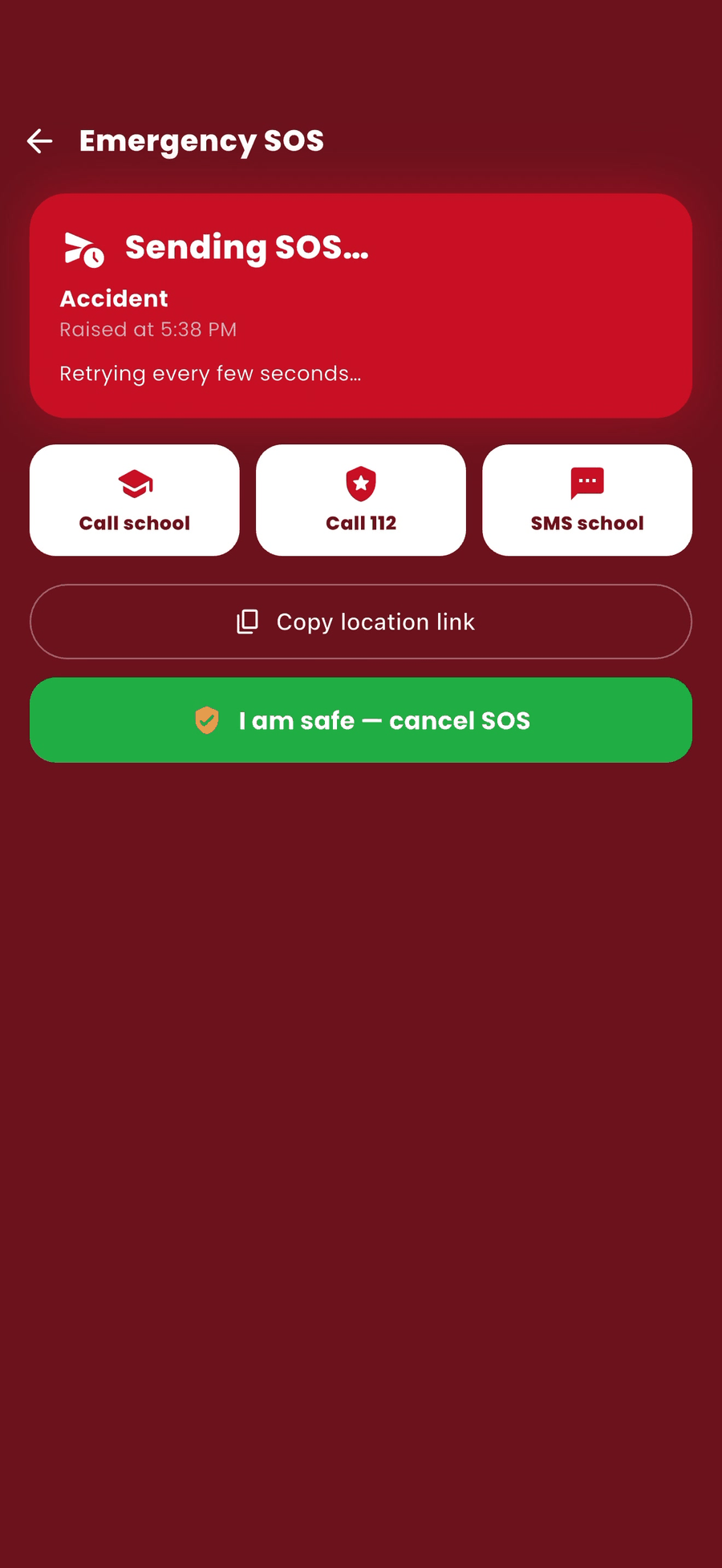
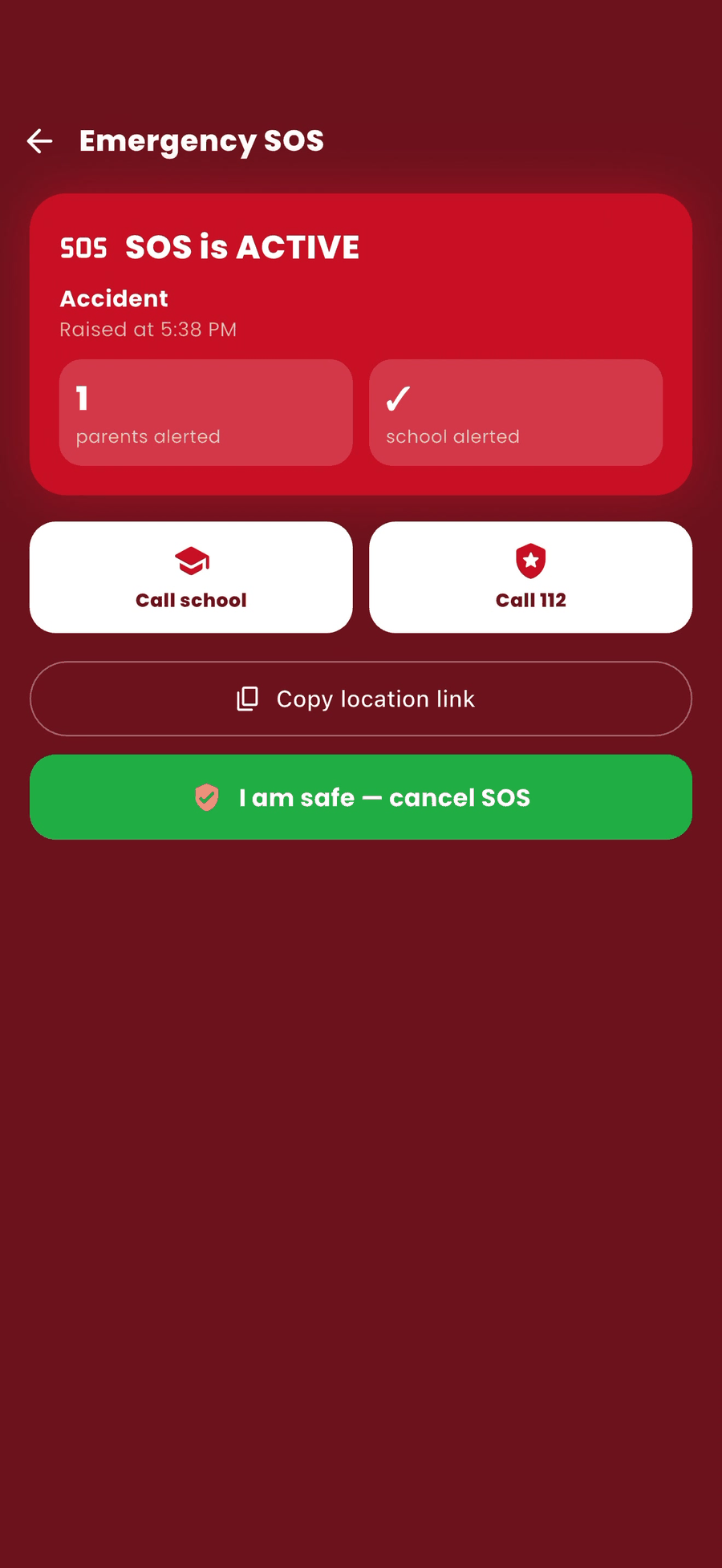
- The screen shows Sending SOS… and then SOS is ACTIVE. Your live location goes to the school and BOBOK.
While the SOS is active
- Tap Call school or Call 112 for immediate help.
- Tap SMS school or Copy location link to share where you are.
When everyone is safe
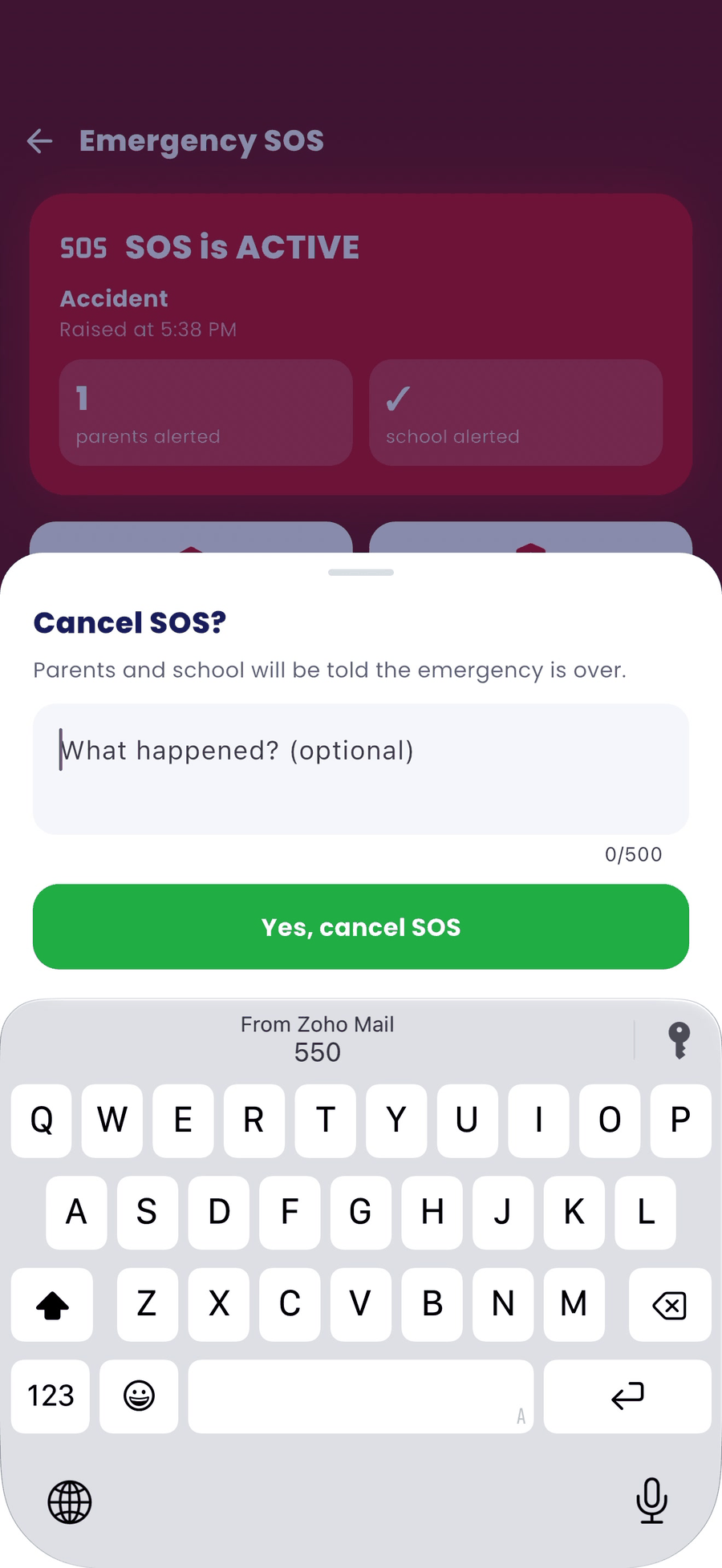
- Tap I am safe — cancel SOS.
- Optionally, write what happened.
- Tap Yes, cancel SOS. The school is told the emergency is over.
Good to know
- The SOS reaches the school web panel and the school app immediately.