
As a gatekeeper, you check children in at the school gate with the BOBOK school app. You can scan up to 5 ID cards at once.
Before you start
Log in to the BOBOK school app with the gatekeeper account your school created for you.
Steps
- On the home screen, tap Scan QR.
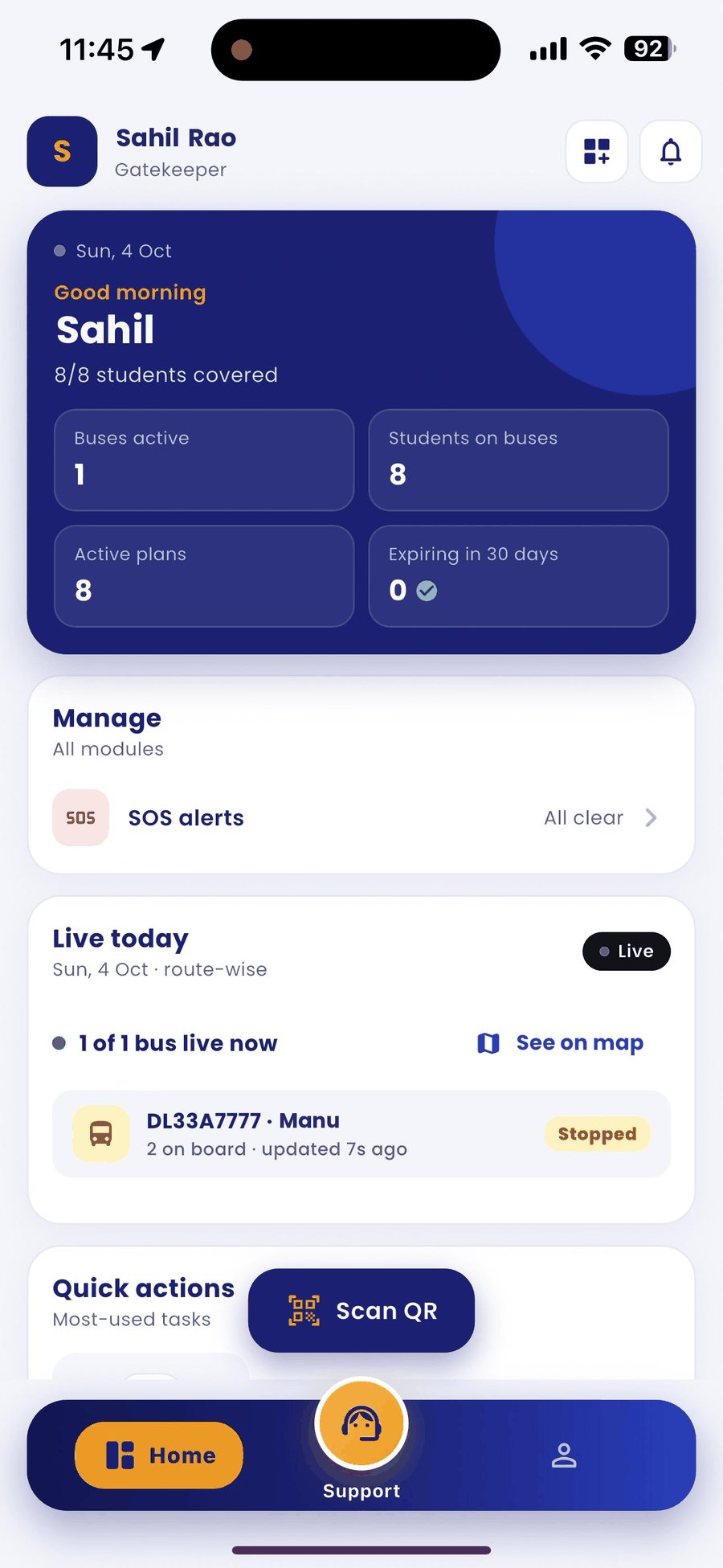
- In Quick scan, choose Check-in.
- Hold 1 to 5 ID cards in front of the camera. Each card is saved to the server as soon as it is read.
- For a child who did not come by bus, pick On own or With parent next to If asked, came:.
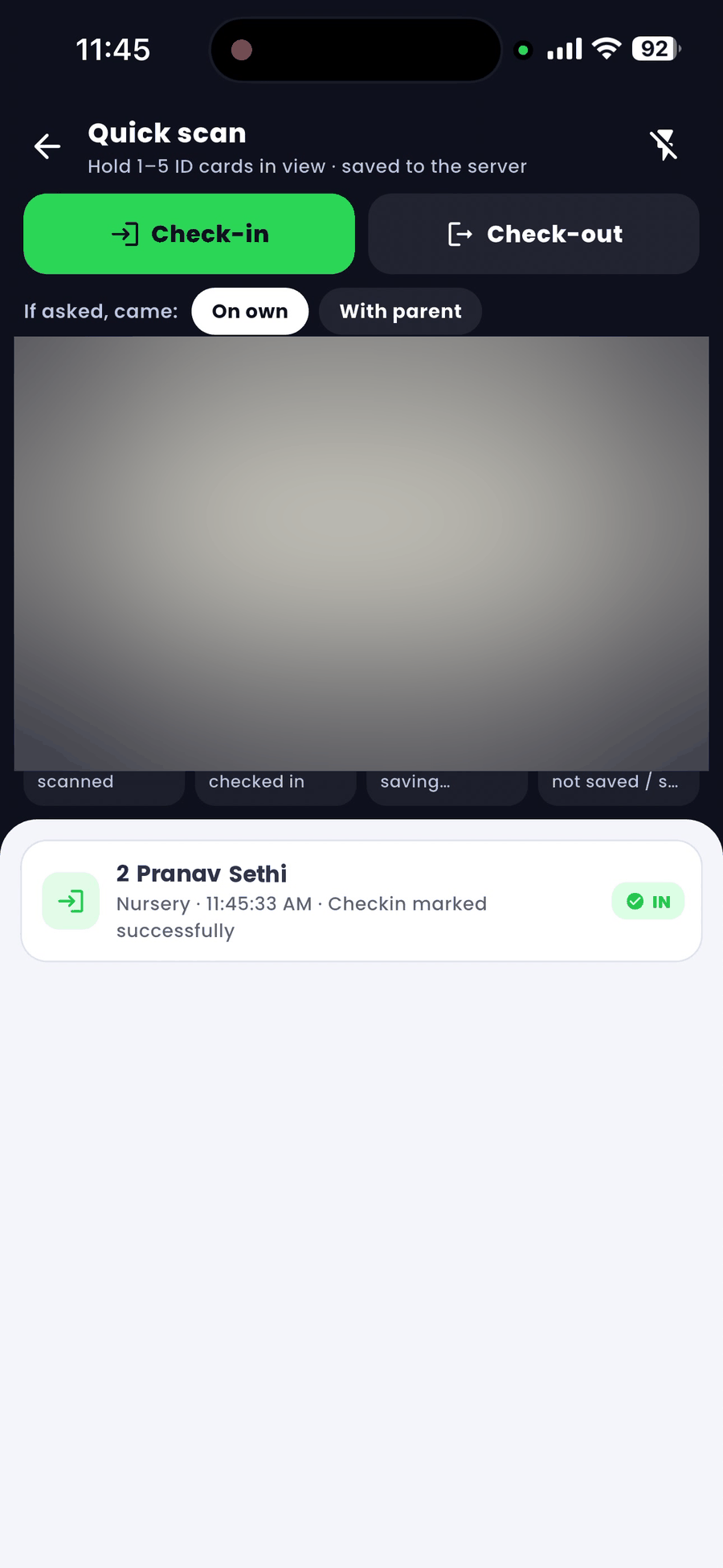
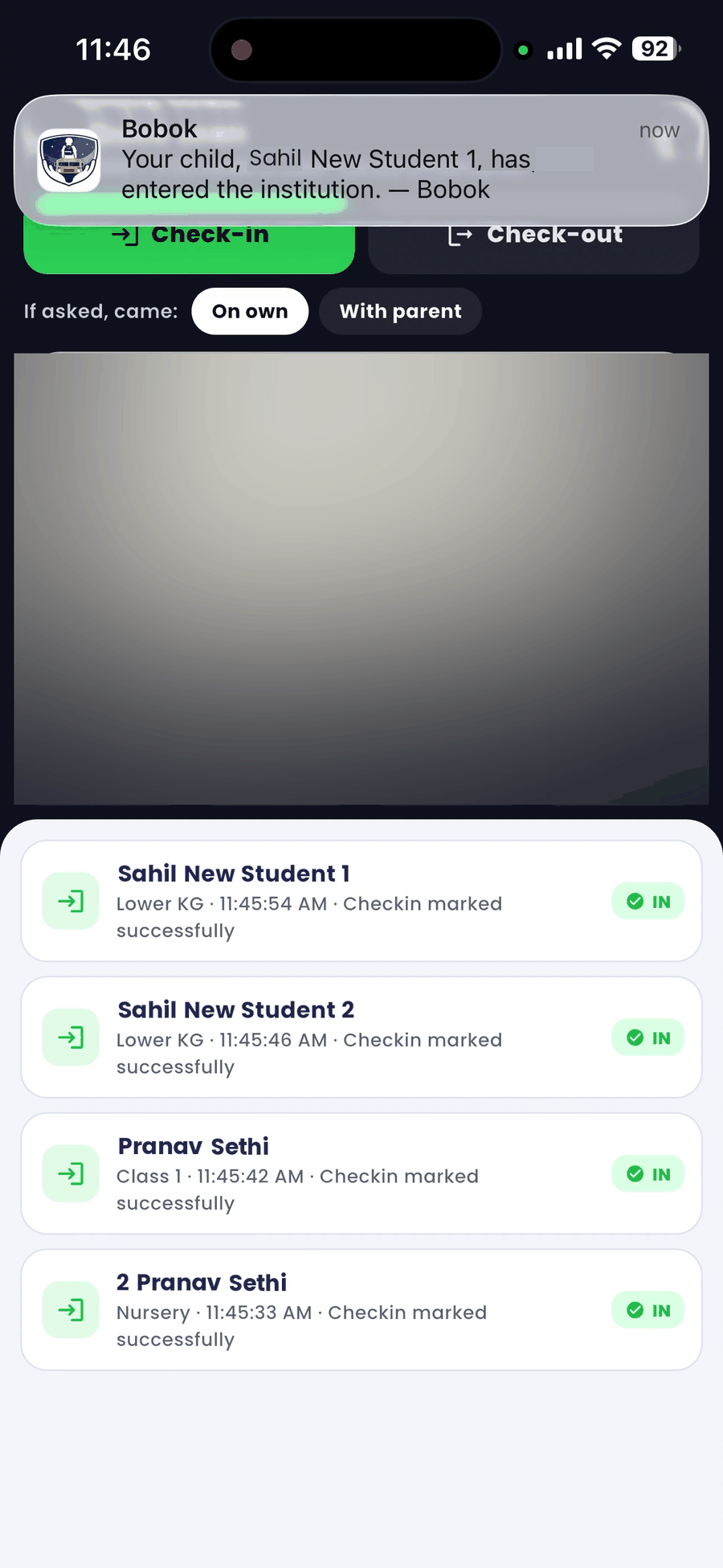
- The list below shows each child with Checkin marked successfully. The parent gets an "entered the institution" alert.
Good to know
- The counters show cards scanned, checked in, saving and not saved. If anything stays in "not saved", scan that card again.
- If a driver with QR gate access drops a child, the driver's scan already checks the child in.