
At dismissal, check each child out at the gate before they leave school.
Steps
- On the home screen, tap Scan QR.
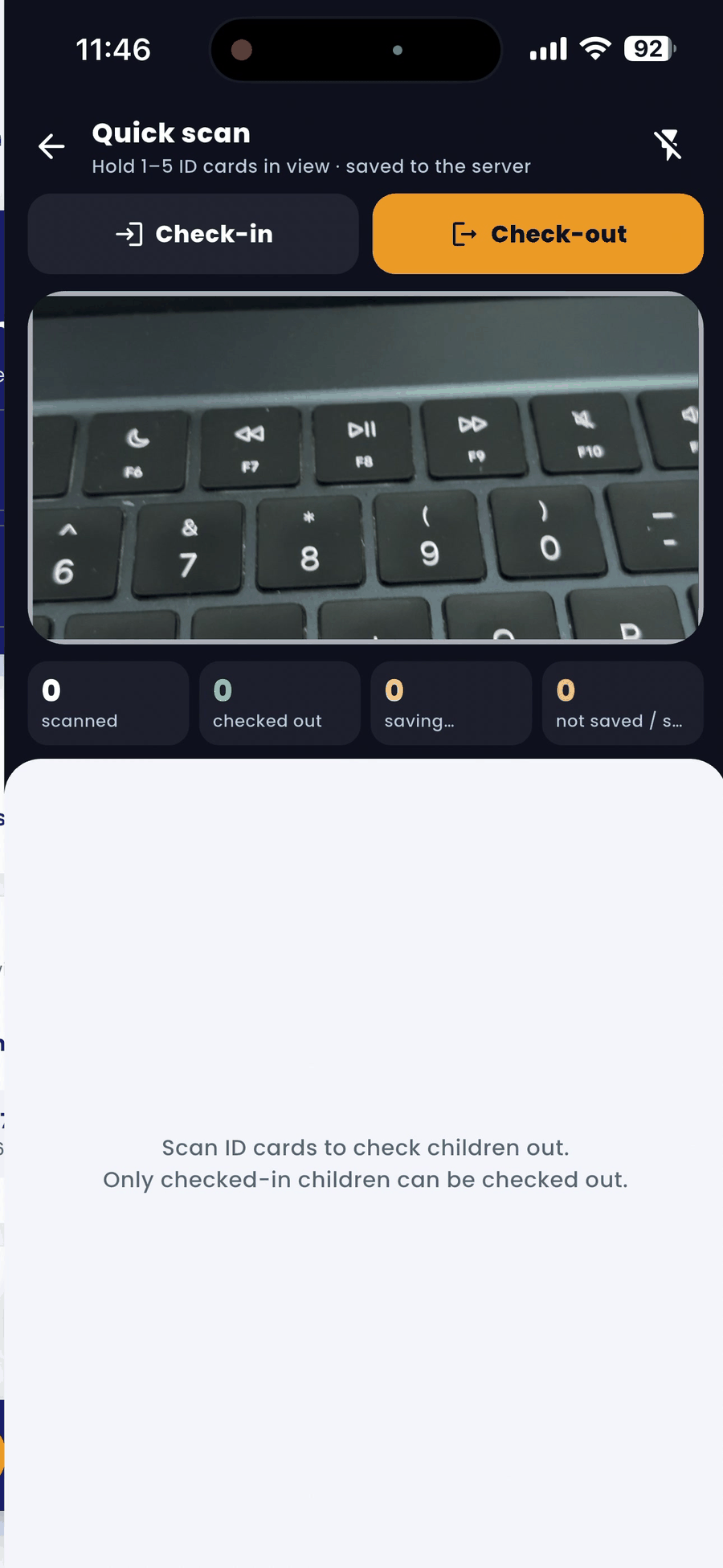
- In Quick scan, choose Check-out.
- Hold 1 to 5 ID cards in front of the camera.
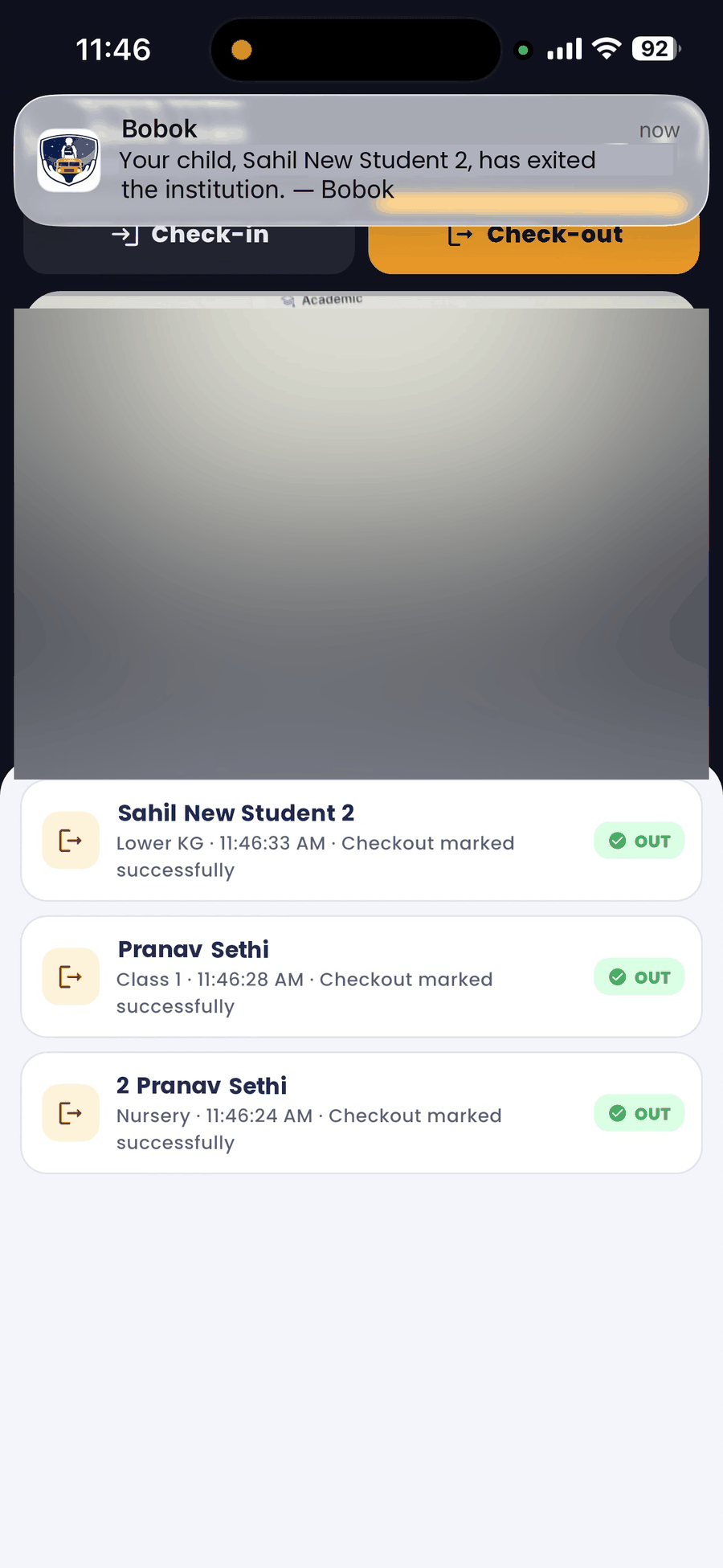
- The list shows each child with Checkout marked successfully. The parent gets an "exited the institution" alert.
Good to know
- Only children who were checked in today can be checked out.
- If the driver does not have QR gate access, the driver can pick a child up from school only after your check-out.
- If anything stays in "not saved", scan that card again.