Best school bus tracking app in India: what to compare before you choose
The best school bus tracking app in India is the one that proves where each child is, not just where the bus is. A buyer's framework, twelve demo questions and the red flags to watch for.

On this page
- What "best" means for a school versus for a parent
- Tracking quality: location accuracy, refresh, and proof of boarding and drop
- Safety: handover at the home stop and emergency alerts
- Communication: push, SMS, WhatsApp, and Hindi or regional language
- Practicalities: hardware needed, rollout effort, support, reports
- Child data and privacy
- Choosing the best school bus tracking app in India: twelve demo questions
- Red flags
- Where BOBOK fits
- What to do next
- Questions people ask
Last reviewed: November 2026
The best school bus tracking app in India is the one that tells a school and a parent where each child is, not just where the bus is: it records boarding and drop, confirms handover at the home stop, raises emergency alerts to the school, and works in the languages your parents read. This is not a ranked list. It is a framework for comparing any app, including ours, with twelve questions to ask in every demo.
Key points
- A dot on a map is the start, not the product. Proof of boarding and drop matters more.
- Look at the home-stop handover and the emergency alert, not just the map.
- Check language support and how notifications reach parents.
- Ask about hardware, rollout effort and support before features.
- Children's data needs a clear, written privacy answer.
What "best" means for a school versus for a parent
A parent's question is simple: where is my child, and when will they reach the stop? A school's questions are wider: did every child who should be on the bus get on, did every child reach school, was every child handed to the right person, and can we show it later?
An app that only answers the parent's question will feel fine for a month and fail the first time something goes wrong. The best app answers both, with one set of records. Keep both lists in mind as you compare, and involve your transport manager in the demo, not only the office team that will sign the contract.
Tracking quality: location accuracy, refresh, and proof of boarding and drop
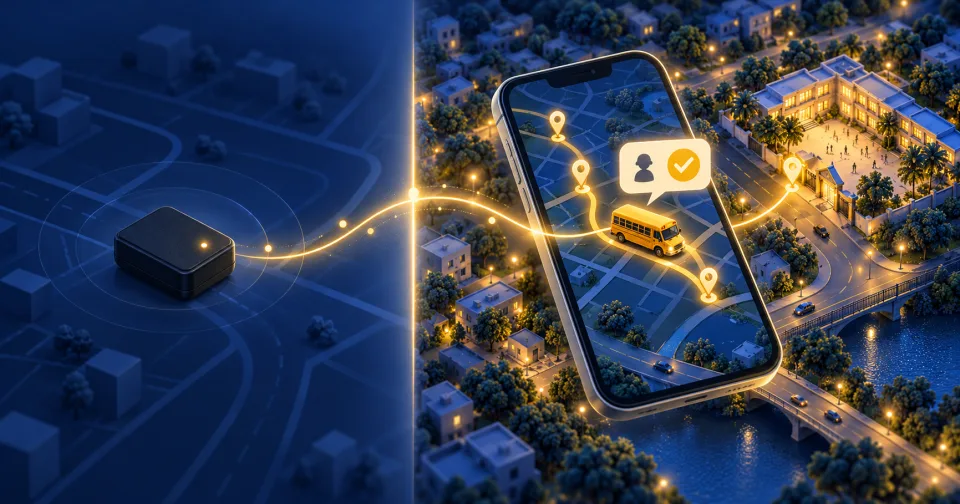
Where the location comes from. Some apps use a GPS device fitted in the bus; others use the driver's phone. A fitted device keeps working when the driver's phone is switched off; a phone needs the app running and the battery charged. Our post on GPS trackers versus school bus tracking apps explains the trade-off.
How often it updates. Ask how often the bus position refreshes on the parent's screen, and what happens in a low-signal area. A map that jumps every few minutes produces anxious phone calls.
Arrival times. An estimated time of arrival (ETA) at the parent's stop is what most parents actually use. Ask how it is calculated and how it handles traffic.
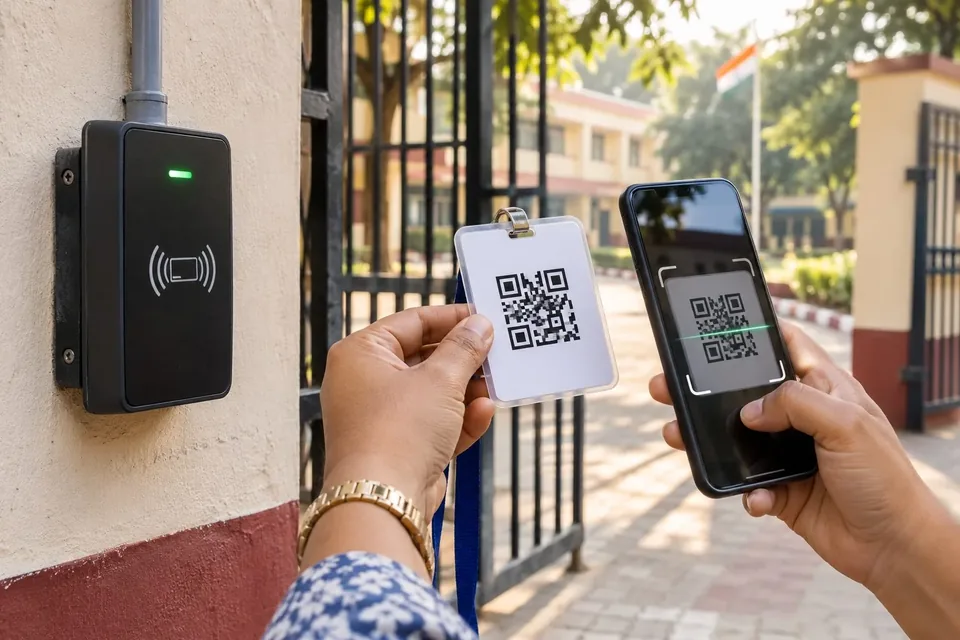
Proof of boarding and drop. This is the biggest difference between apps. Some infer that a child boarded because the bus passed their stop. Others record a scan, for example a QR or RFID card, when each child gets on and off. Only the second tells you that a particular child is on the bus.
Safety: handover at the home stop and emergency alerts
Handover. The riskiest moment for a young child is the drop at the home stop. Ask how the app confirms the child was handed to an authorised person: a parent, a grandparent, a named helper. Good systems let parents register authorised pickup persons and confirm the handover, for example with a one-time code. Ask what the driver does if no authorised person is at the stop.
Emergency alerts. Ask who can raise an alert, who receives it and how fast. An SOS from the driver should reach the school's transport team at once, with the bus location, not sit in an inbox.
Communication: push, SMS, WhatsApp, and Hindi or regional language
Ask which channels the app uses: app notifications, SMS, WhatsApp, or a mix. App notifications are fast, but they need the parent to install the app and keep notifications on. SMS reaches basic phones. Ask what happens for a parent who has not installed the app.
Language is not a nice-to-have. If many of your parents read Hindi or another regional language more comfortably than English, the app and its messages should be available in it. Ask to see the parent's screen in that language during the demo.
Think about real families too. Many share one phone, or have two children on different buses, or rely on a grandparent for the afternoon pickup. Ask whether one parent account can follow two children, and whether a second family member can receive alerts.
Also ask how noisy it is. A parent who gets ten messages a trip will mute them all, including the one that matters.
Practicalities: hardware needed, rollout effort, support, reports
- Hardware. Does each bus need a device fitted? Does the driver need a phone? Do children need new ID cards?
- Rollout. How are student, route and parent details loaded? Who prints ID cards? How long from signing to the first live trip?
- Training. Who trains drivers, attendants and office staff, and in what language?
- Support. What hours is support available, by what channel, and in which languages? School runs start early; a helpline that opens at 10 am is no help at 6:45.
- Manual corrections. When a scan fails, how does staff record the child, and does the record show clearly that it was entered by hand?
- Reports. Can the school pull trip history, boarding records and alerts by date, bus and child, and export them?
Child data and privacy
A school bus tracking app holds children's names, photos, addresses, routes and live locations. That is sensitive data about minors. Under India's Digital Personal Data Protection Act, 2023, processing children's personal data requires verifiable consent from a parent, and there are limits on tracking and monitoring children.
Ask for answers in writing:
- Who can see a child's live location, and when? A parent should see their own child, not the whole bus list.
- Where is the data stored, and for how long?
- How is parental consent collected and recorded?
- Who at the vendor can access the data, and is that access logged?
- What happens to the data if the school stops using the app?
Our post on the DPDP Rules and child tracking covers a school's duties in more detail.
Choosing the best school bus tracking app in India: twelve demo questions
- How does the app know a specific child boarded, rather than the bus passing a stop?
- How does it confirm the child was handed to an authorised person at the home stop?
- What happens when no authorised person is at the stop?
- Who receives an SOS from the driver, and how quickly?
- Does the location come from a fitted device or the driver's phone, and what happens if it goes offline?
- How often does the bus position refresh for parents?
- Which notification channels does it use, and can I see a parent's screen in Hindi or our regional language?
- Does it record children arriving at and leaving the school gate, including children who do not use the bus?
- What hardware does each bus, driver and child need?
- How long does rollout take, and who does what?
- What support is available at 6:30 in the morning?
- Where is children's data stored, who can access it, and how is consent recorded?
After the demo: a two-week pilot
A demo shows how an app works on a good day. A pilot shows how it works on yours. Before signing for the whole school, ask to run two routes for two weeks and track a few simple things:
- On how many trips was every child's boarding and drop recorded?
- How many parents on those routes installed the app and kept notifications on?
- How often did the arrival time match when the bus actually came?
- How quickly did support answer an early-morning call?
- What did drivers and attendants find hard?
Ask the drivers and two or three parents directly. Their answers will tell you more than any feature list.
Parents can use a shorter version. Our seven questions every parent should ask about the school bus is a good start.
Red flags
- Claims that the app makes children "100% safe" or makes the school compliant on its own.
- Features that are shown only as slides or "coming soon" when you ask to see them live.
- No written answer on where children's data is stored and who can see it.
- No way to tell a scanned record from one entered by hand.
- Support only by email, or only during office hours.
- Suggestions that the app replaces a tracking device the law requires in the bus.
- No way to export your own data if you leave.
Where BOBOK fits
This section is about our own product, so read it with that in mind.
BOBOK is built around the child, not just the bus. Each child has an ID card with a signed QR code. The driver app scans it at boarding and drop; the gatekeeper app records check-in and check-out at the school gate, including for children who come by van or with a parent; and the teacher app records class attendance. Parents follow the bus live with an arrival time and get a notification at each step. At the home stop, the child is handed only to an authorised pickup person, confirmed with an OTP. Drivers can raise an SOS alert that reaches the school at once. Parents can ask questions through the parent AI assistant, and the apps work in English and Hindi.
BOBOK is a technology provider. The school runs its transport, employs or contracts its drivers and remains responsible for the children. With BOBOK, the school subscribes; parents do not buy a plan.
What to do next
Shortlist two or three apps and run the twelve questions in each demo, on your own route and with your own staff watching. Score each answer, not each feature list. If BOBOK is on your list, book a demo and bring the questions.
Questions people ask
Which is the best school bus tracking app in India?
Do parents have to pay for a school bus tracking app?
Does a school bus tracking app need a GPS device in the bus?
Is it safe to share my child's location with an app?
Sources
We build school transport safety software for schools in India. Our guides are researched from official notifications and reviewed before publishing.