
Sometimes one child is registered under mummy's number and another under papa's. Join with the other parent brings all children into one account.
Steps
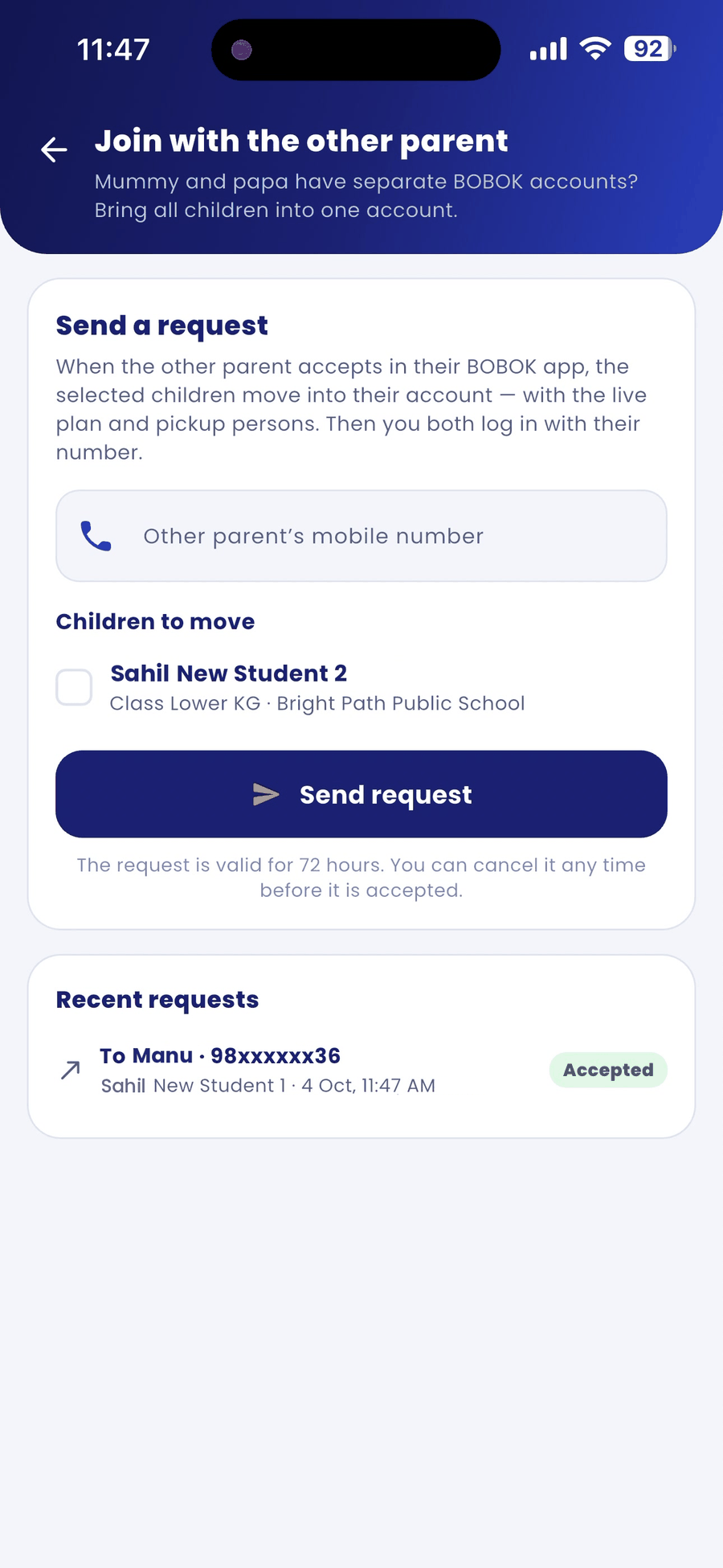
- Tap the Profile tab and then Join with the other parent.
- Under Send a request, enter the other parent's mobile number.
- Under Children to move, tick the children you want to move.
- Tap Send request.
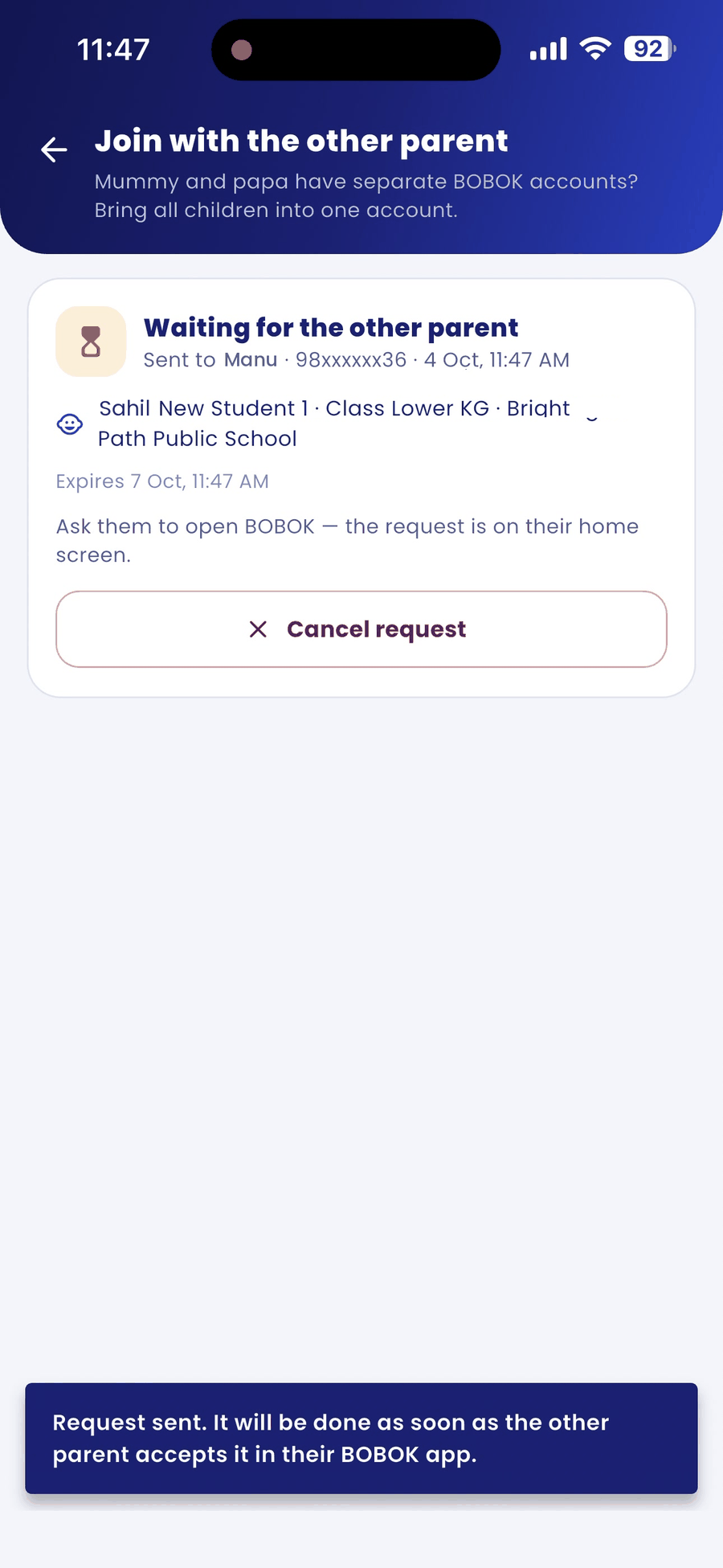
- The screen shows Waiting for the other parent. Ask them to open BOBOK, where the request appears on their home screen.
What happens next
When the other parent accepts in their BOBOK app, the selected children move into their account, with the live plan and pickup persons. After that, you both log in with their number. Recent requests shows the result, for example Accepted.
Good to know
- A request is valid for 72 hours. You can tap Cancel request any time before it is accepted.
- You can stay logged in on both phones with the same number (see "See and remove phones logged in to your account").