
You can use BOBOK on more than one phone with the same number, for example your phone and your spouse's. Every logged-in phone gets the alerts.
See logged-in phones
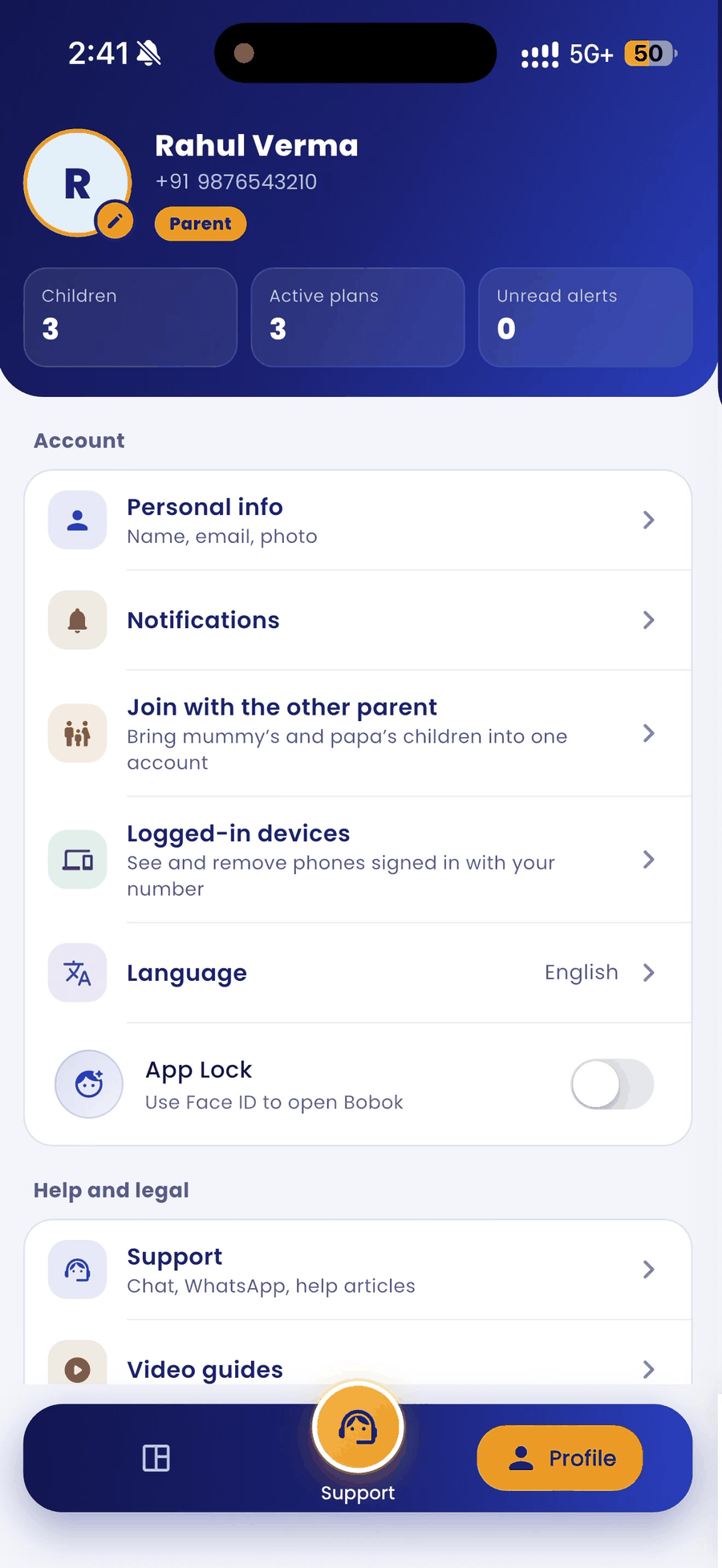
- Tap the Profile tab at the bottom right.
- Tap Logged-in devices.
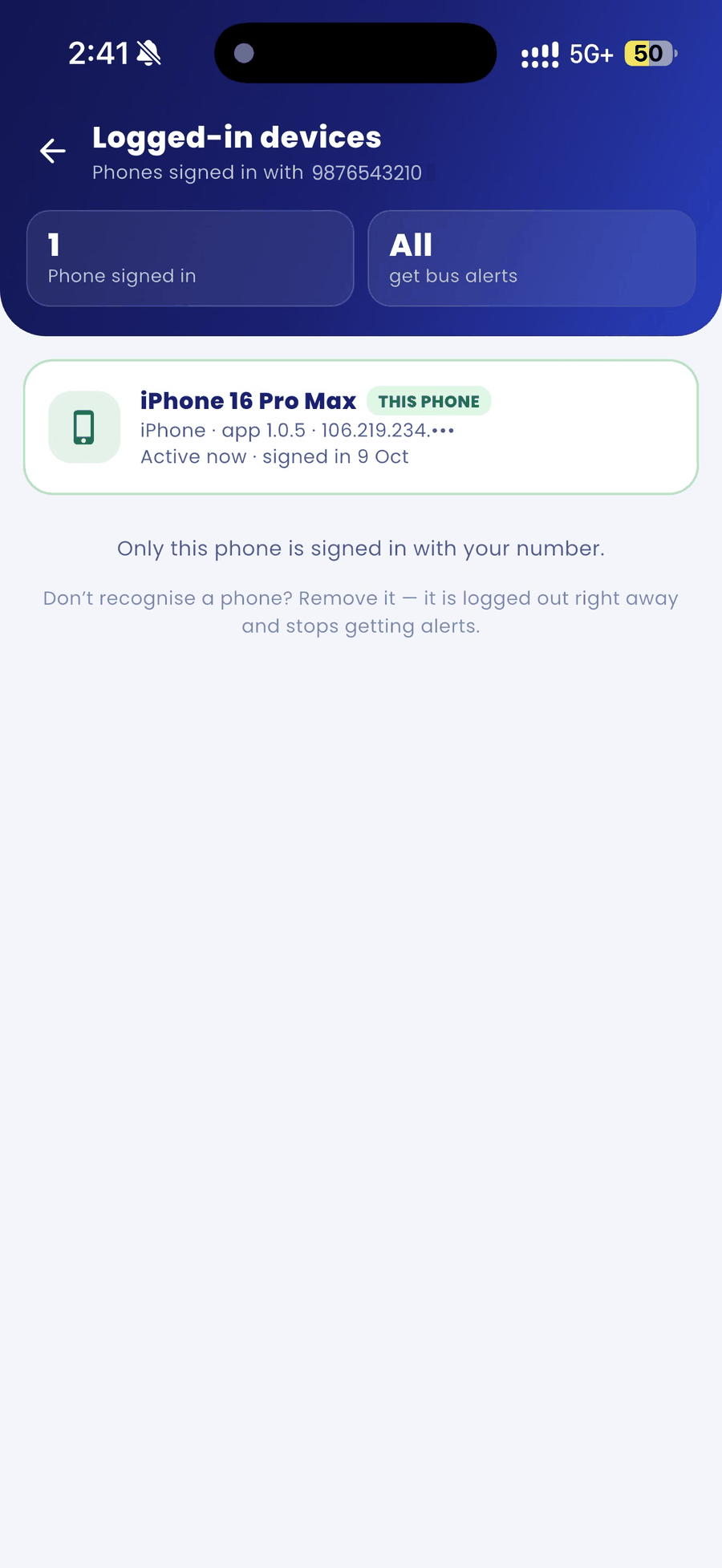
- You see every phone signed in with your number. The phone you are using is marked This phone.
Remove a phone
If you do not recognise a phone, remove it. It is logged out right away and stops getting alerts.
Log out
Tap Log out at the bottom of the Profile tab. Choose whether to log out from this phone only or from all phones.
Good to know
- If you change your mobile number, ask your school to update it on your child's record first.