
You log in to BOBOK with your mobile number and a 6-digit OTP. There is no password.
Before you start
- Your school must have added your mobile number to your child's record. BOBOK only accepts numbers that the school has on record.
- Install the BOBOK app from the Google Play Store or the Apple App Store.
Steps
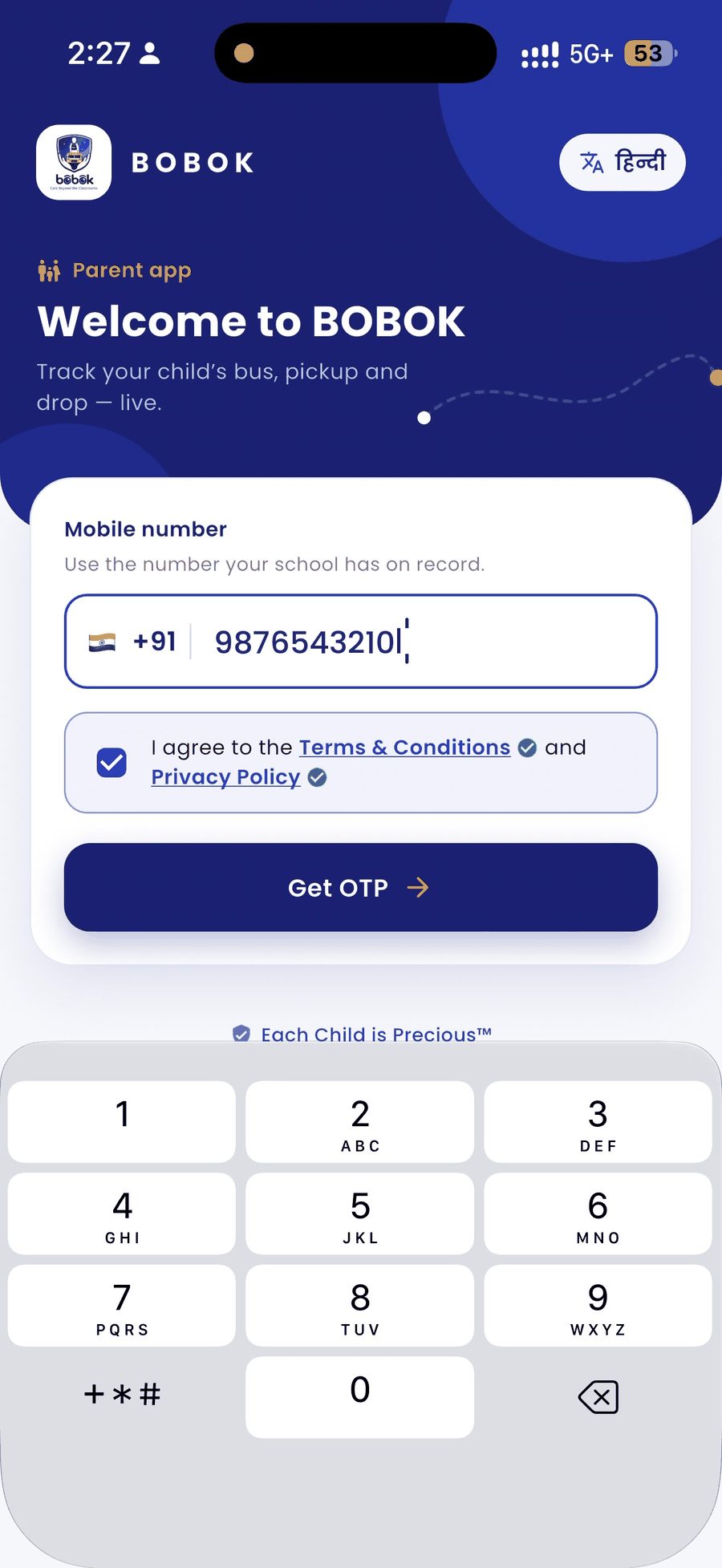
- Open the BOBOK app. To use the app in Hindi, tap हिंदी at the top right.
- Enter your 10-digit mobile number, the same one your school has on record.
- Tick I agree to the Terms & Conditions and Privacy Policy. Tap the blue links if you want to read them first.
- Tap Get OTP.
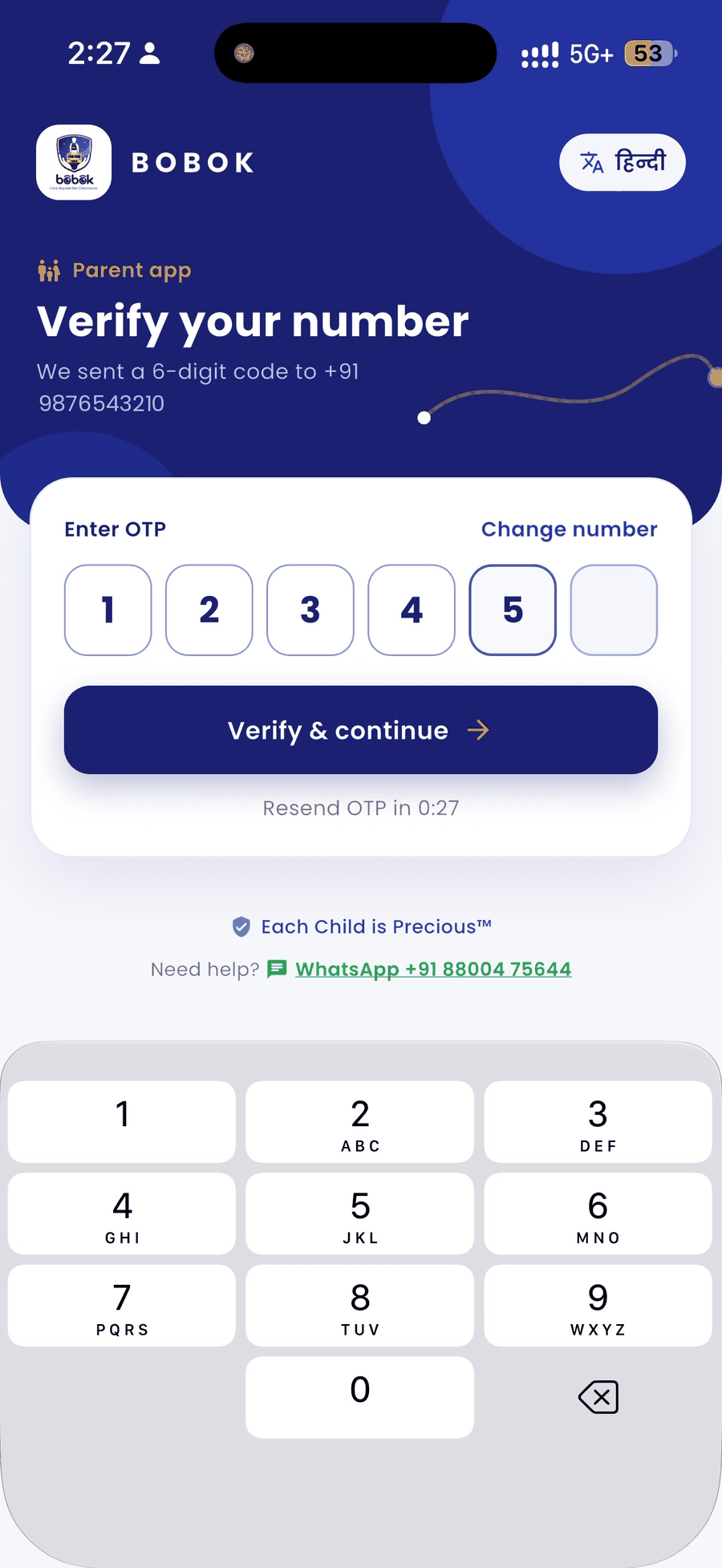
- Enter the 6-digit OTP sent to your phone and tap Verify & continue.
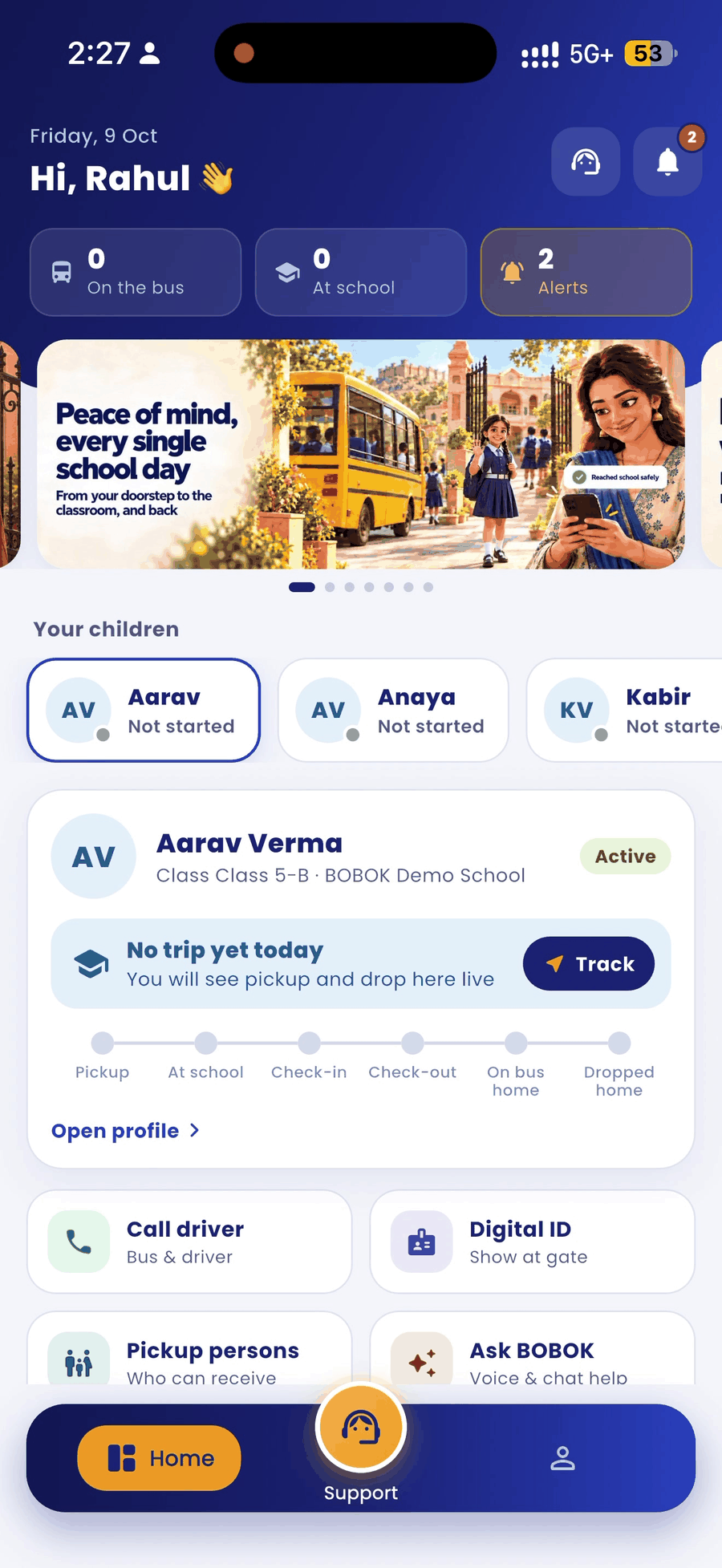
- Your home screen opens with all your children.
Good to know
- The OTP is valid for 5 minutes. If it expires, tap Resend OTP when the timer ends.
- If this is your first login, the app asks you to complete your profile before you continue. Next, it asks you to set your child's pickup point.
- You can stay logged in on more than one phone with the same number. Alerts reach every phone.
Having trouble?
- "Number not registered" or the OTP never arrives: ask your school to check the mobile number on your child's record.
- Typed the wrong number: tap Change number on the OTP screen.
- Still stuck: tap Need help? on the login screen to message BOBOK on WhatsApp.