
Your child's pickup point tells the driver exactly where to stop. The same point is used for the morning pickup and the afternoon drop.
Steps
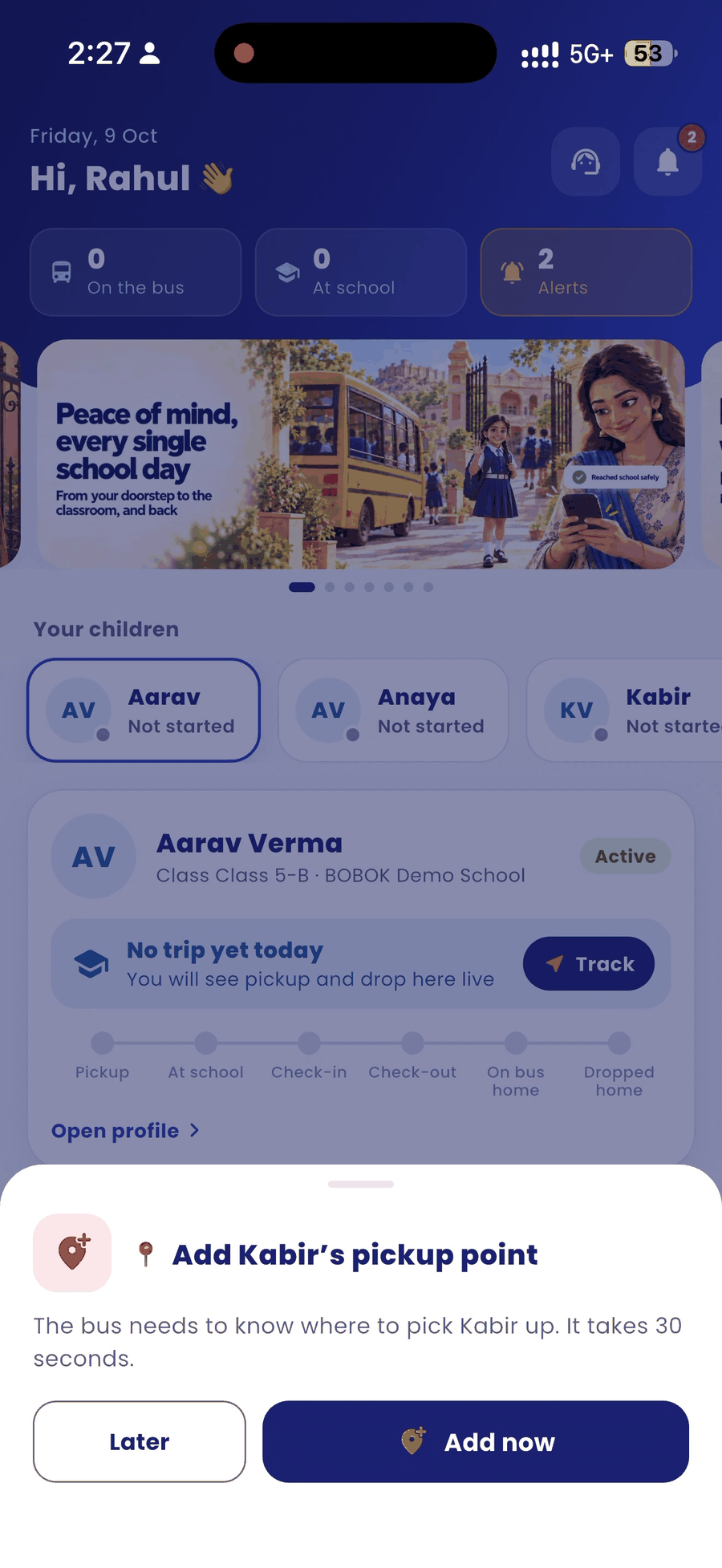
- After you log in, the app asks you to add your child's pickup point. Tap Add now. Tap Later if you want to do it afterwards.
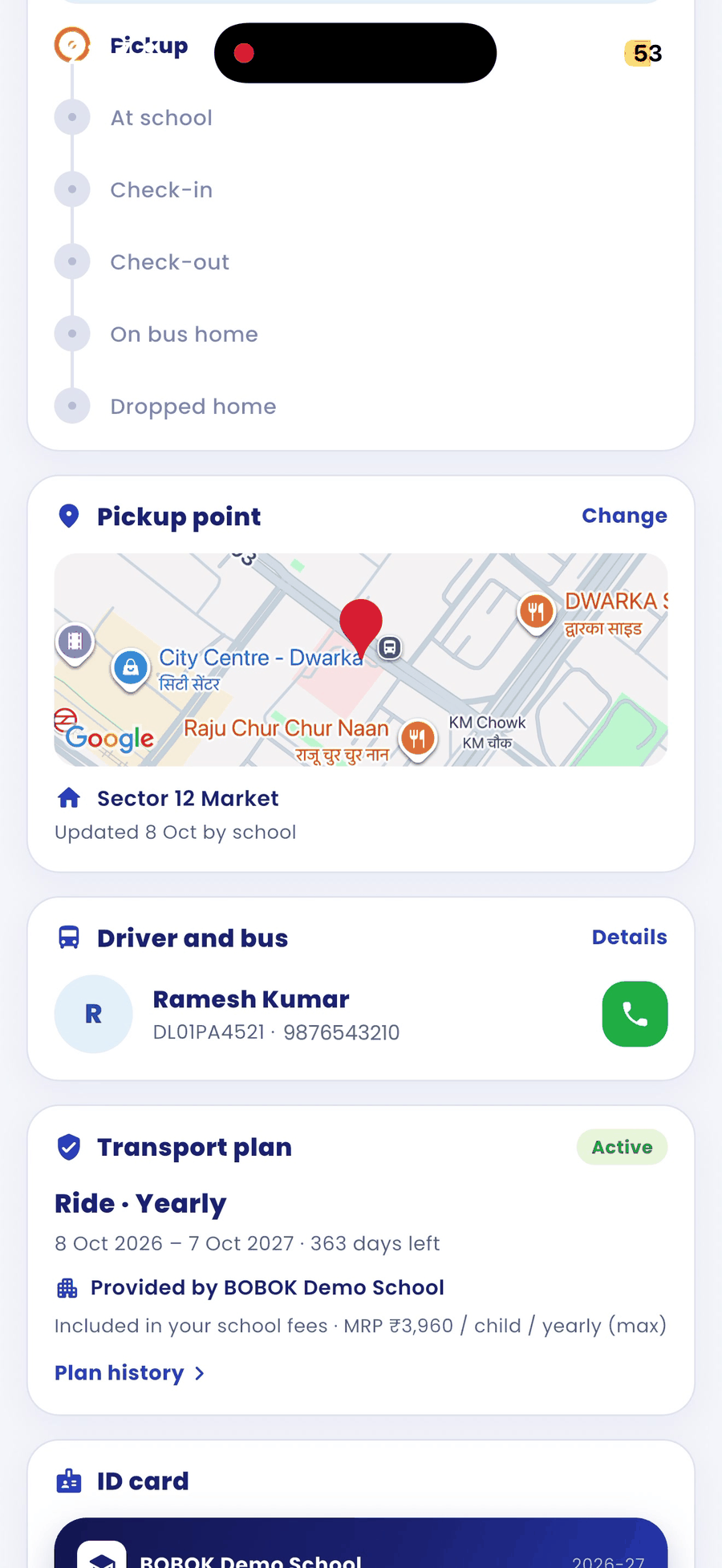
- To set or change it later, open your child's page, go to the Pickup point card and tap Change.
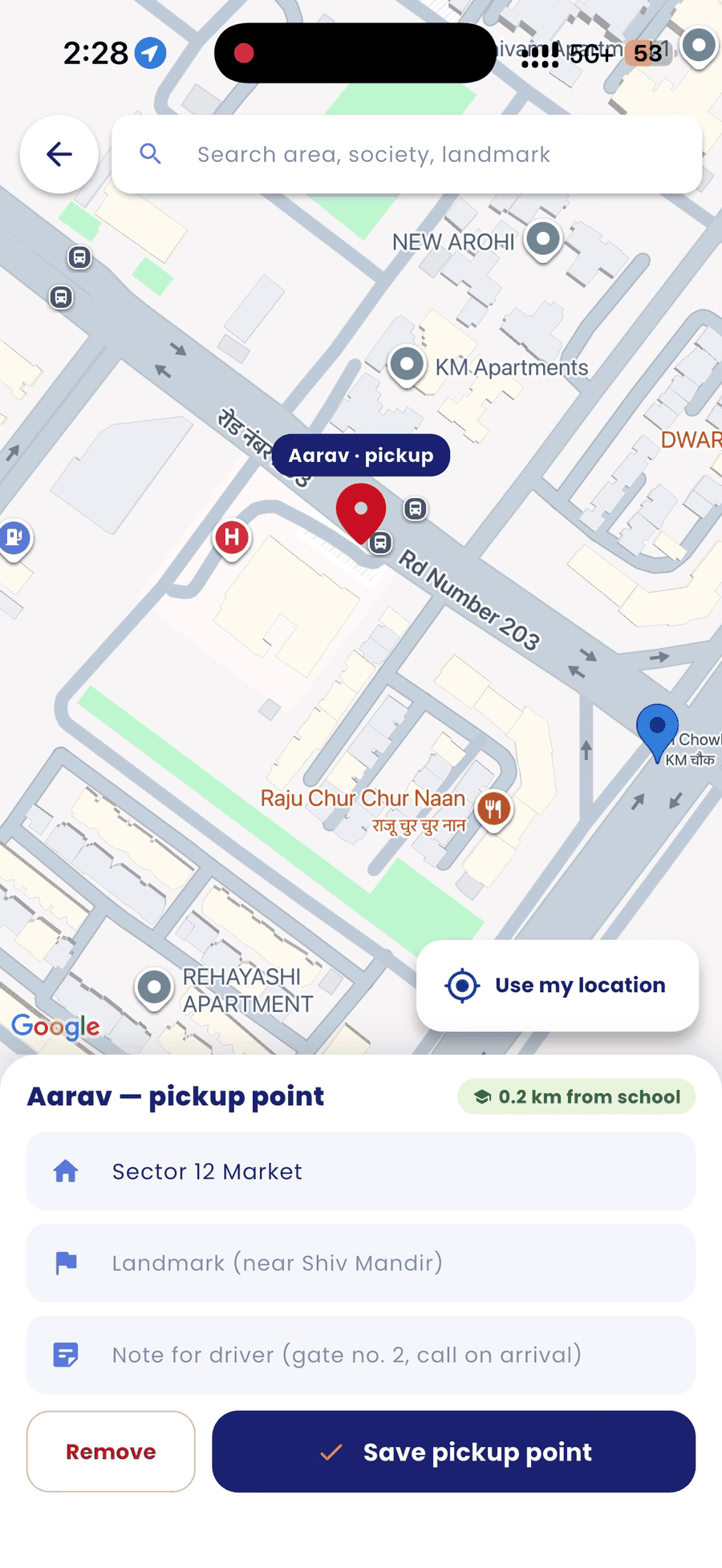
- Search for your area, society or a landmark, or tap Use my location.
- Move the map so the pin sits on the exact gate where your child waits.
- Optionally, add a landmark and a note for the driver, for example "Gate no. 2, call on arrival".
- Tap Save pickup point.
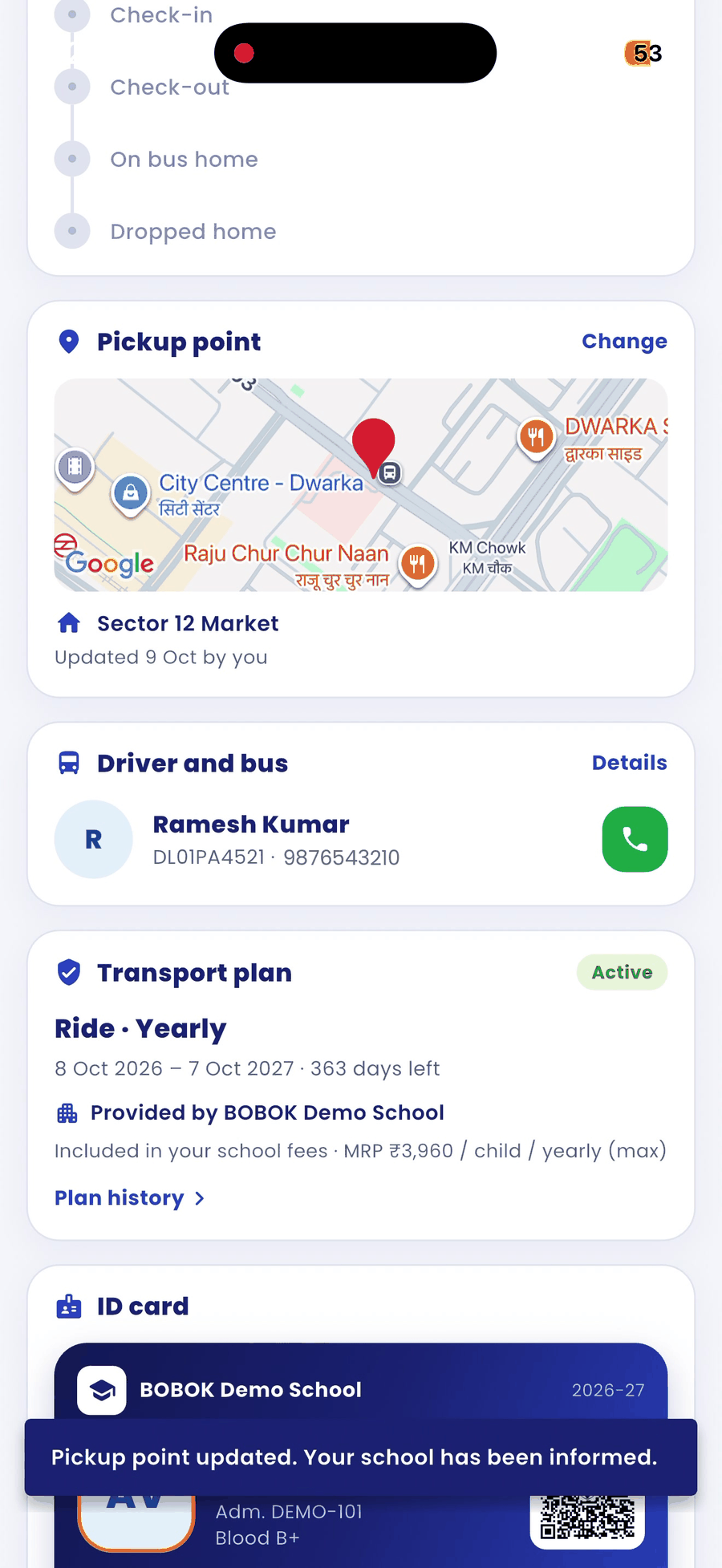
- A message confirms "Pickup point updated. Your school has been informed."
Good to know
- The change takes effect immediately. The driver sees your exact pin on their map.
- The app shows how far the point is from school.
- If you have more than one child, set a point for each child.