
You log in to the Driver app with your mobile number and a 6-digit OTP.
Before you start
- Your school must add you as a driver with your mobile number. Drivers cannot sign up on their own.
- Install the BOBOK Driver app from the Google Play Store or the Apple App Store.
Steps
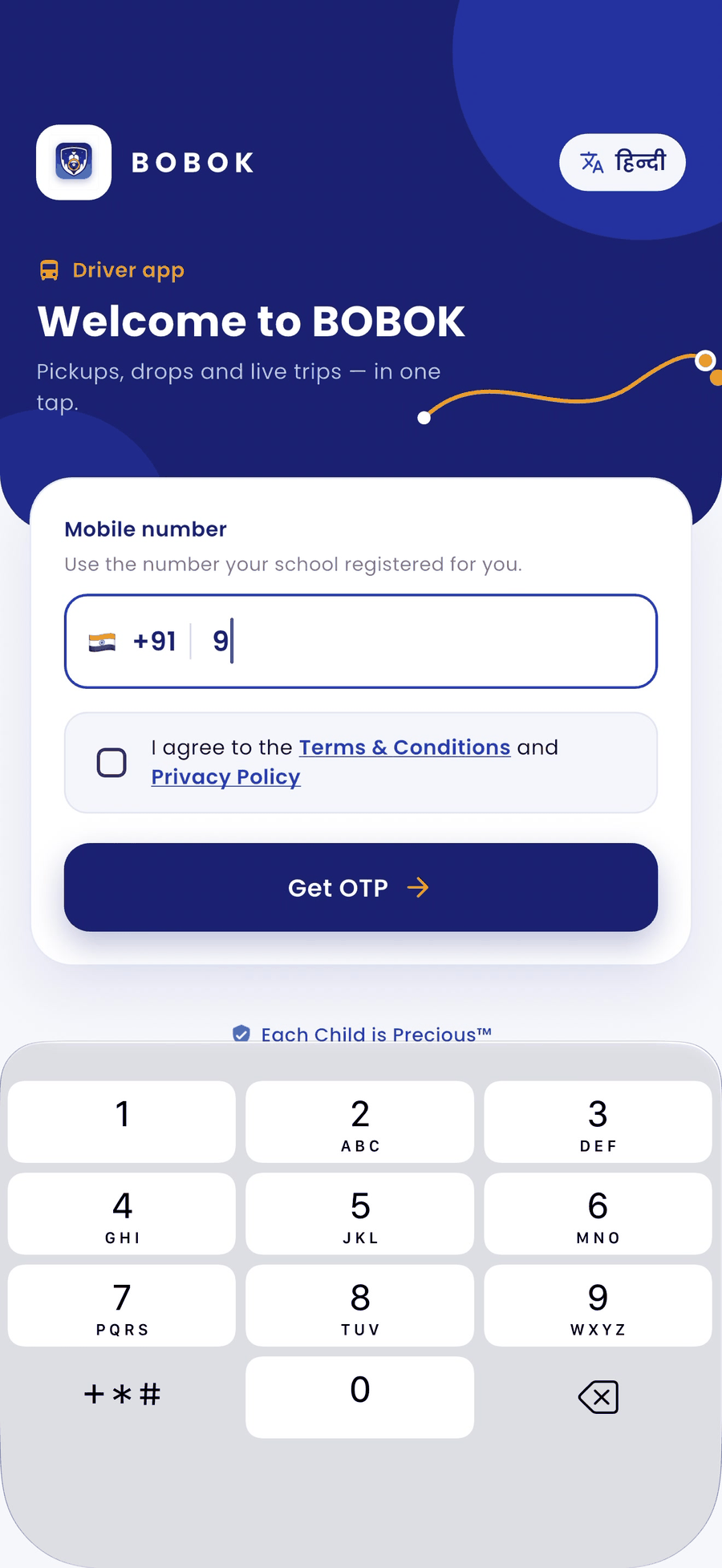
- Open the BOBOK Driver app. To use it in Hindi, tap हिंदी at the top right.
- Enter the 10-digit mobile number your school registered for you.
- Tick I agree to the Terms & Conditions and Privacy Policy and tap Get OTP.
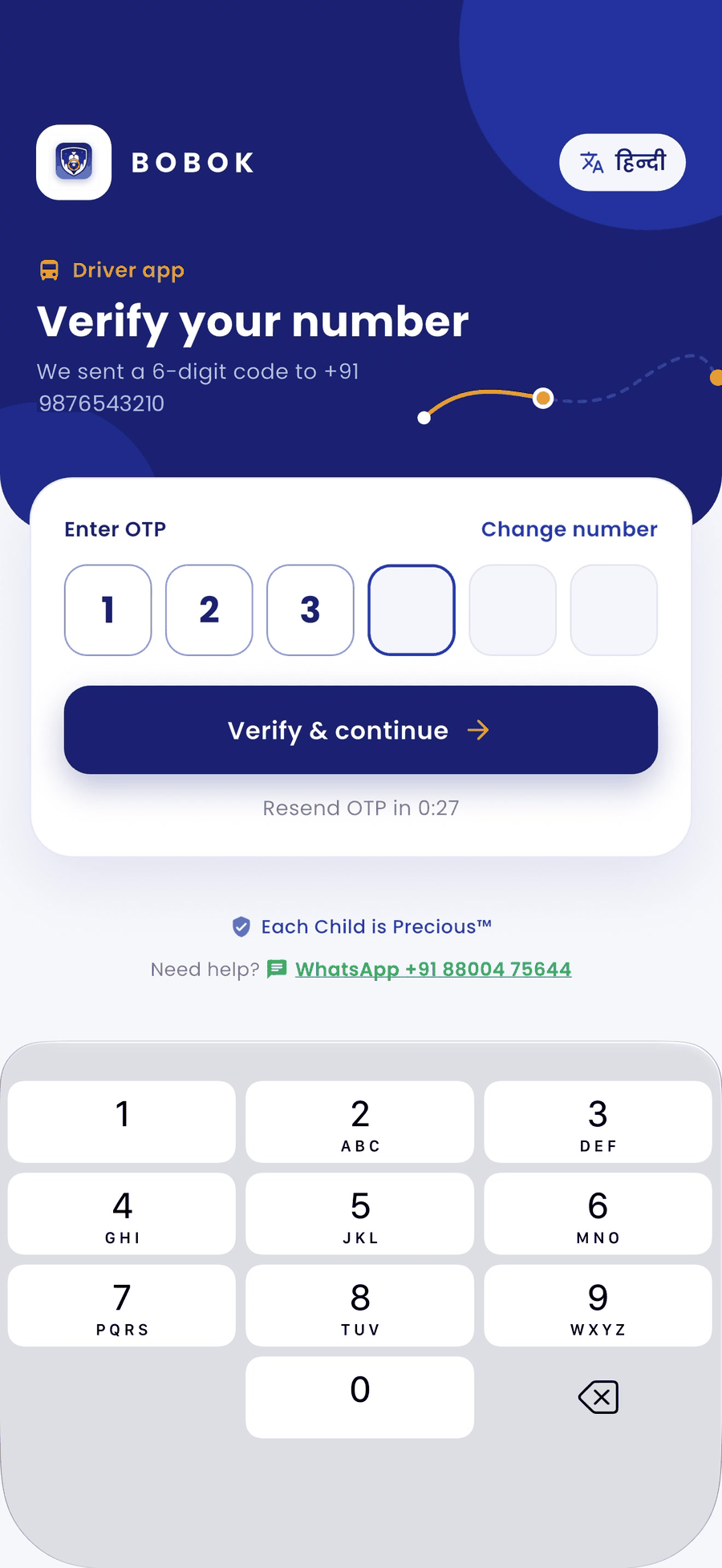
- Enter the 6-digit OTP and tap Verify & continue.
Having trouble?
- OTP not received: wait for the timer, then tap Resend OTP. Check that the number is correct.
- Number not accepted: ask your school to check the number they registered for you.
- Still stuck: tap Need help? to message BOBOK on WhatsApp.