
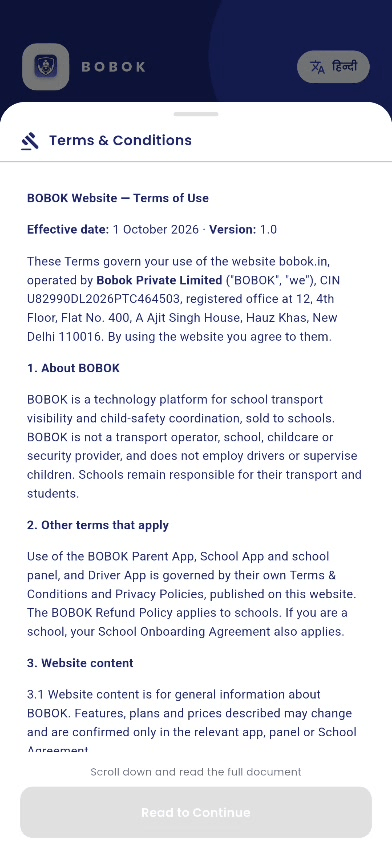
Before you start using the Driver app, you read and accept its Terms & Conditions and Privacy Policy.
Steps
- The Terms & Conditions open. Scroll down and read the full document.
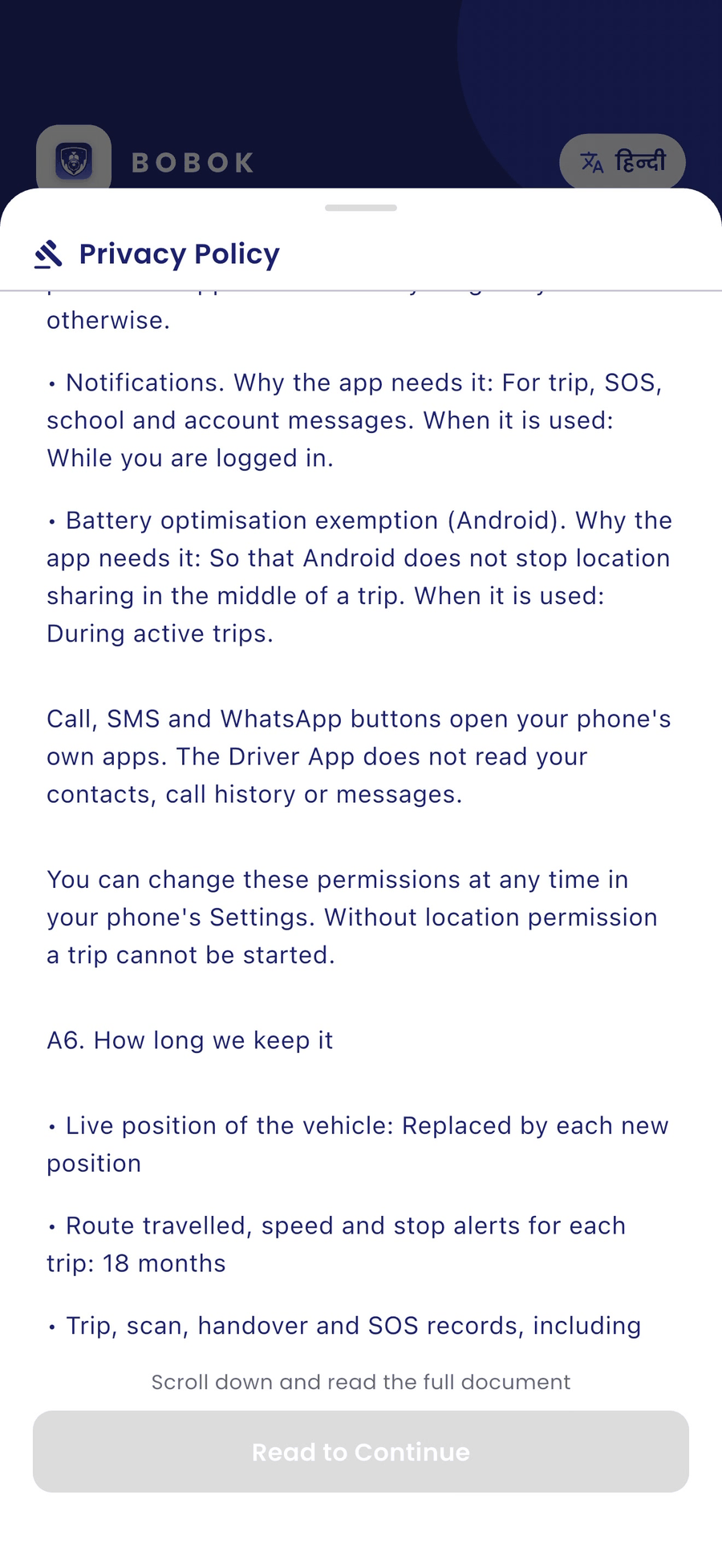
- The Privacy Policy opens next. It explains what the app collects and why, for example location during a trip.
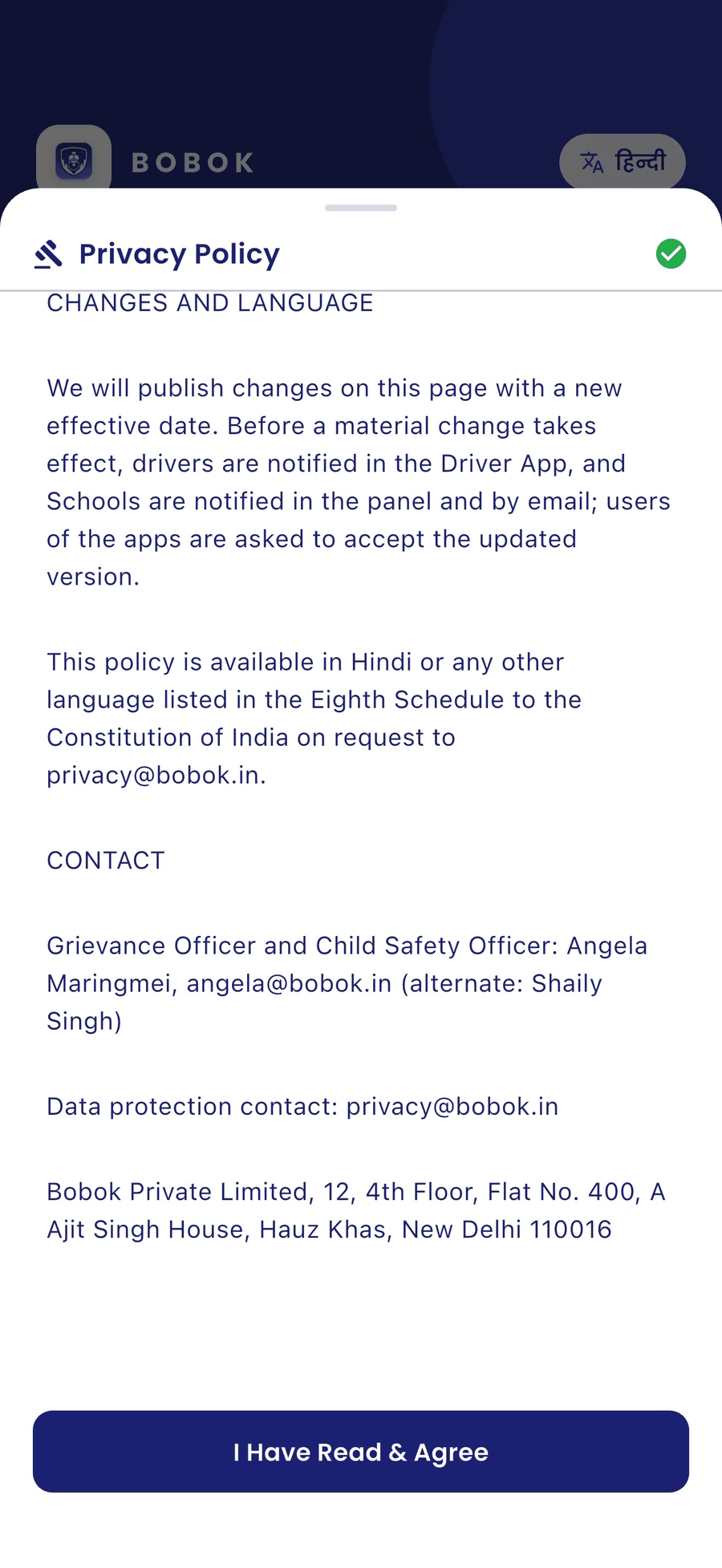
- At the end, tap I Have Read & Agree.
Good to know
- The button works only after you scroll to the end.
- When BOBOK updates a policy, the app shows the new version and asks you to accept it again.
- You can read both documents any time from the Profile tab.