
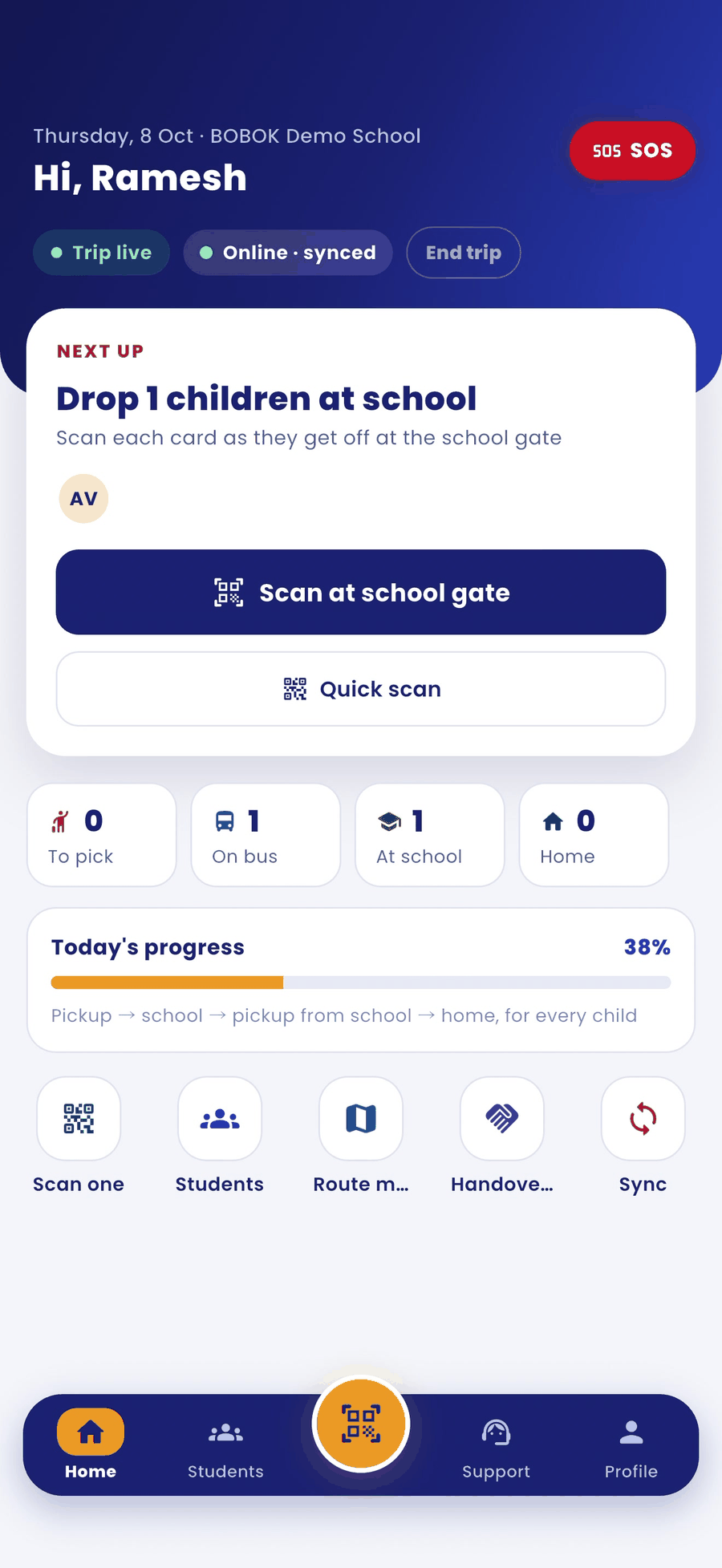
When you reach school, record each child's drop by scanning their ID card.
Steps
- The Next up card shows Drop N children at school. Tap Scan at school gate.
- Scan the child's ID card QR.
- Tap Drop at school · check-in.
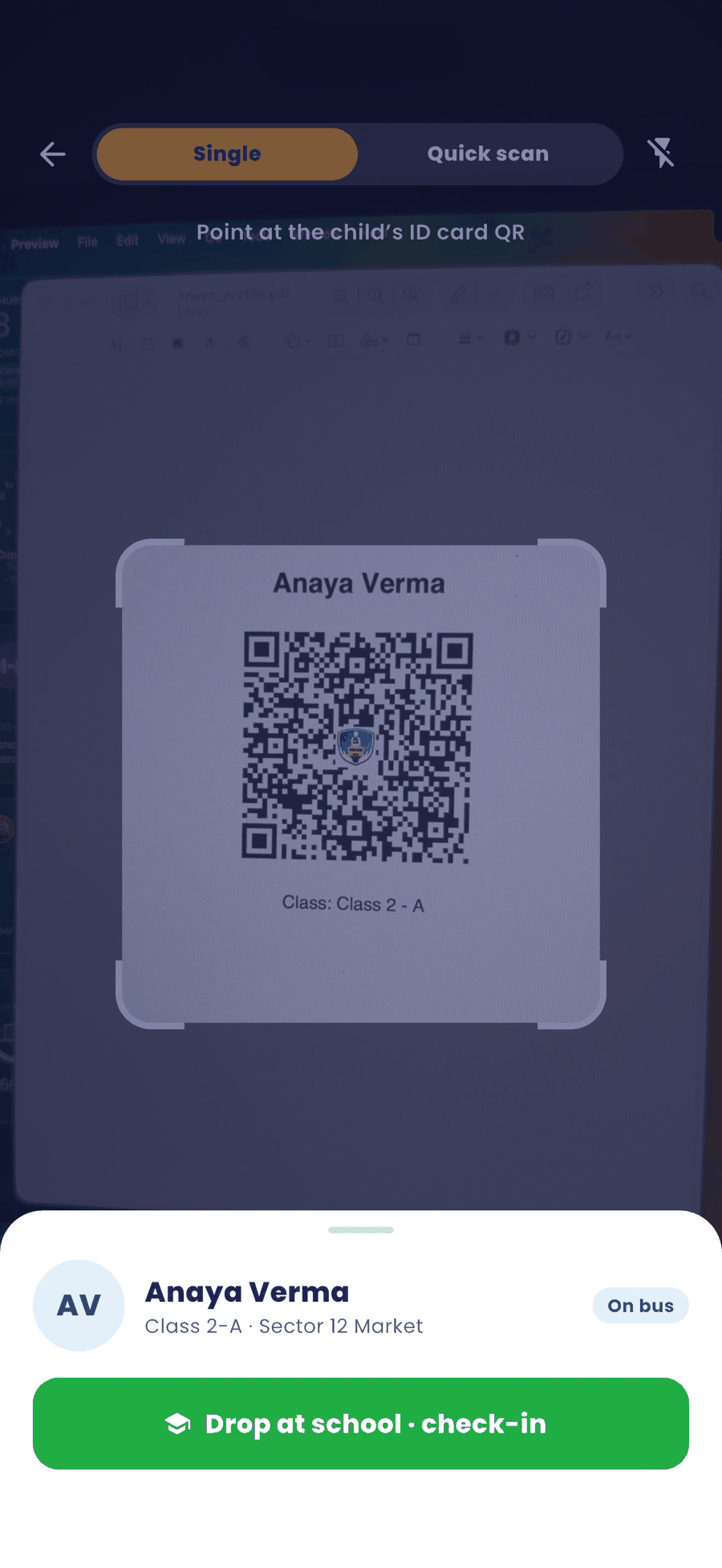
- Repeat for every child. Use Quick scan for several cards.
Good to know
- If your school has turned on QR gate access for you, your scan also marks the school check-in. The parent gets the "entered the institution" alert.
- If QR gate access is off, the school gatekeeper checks the child in at the gate.
- A child must be picked up before you can drop them at school.