
You must start the trip before you pick up any child. Pickup and drop stay locked until the trip is started.
Steps
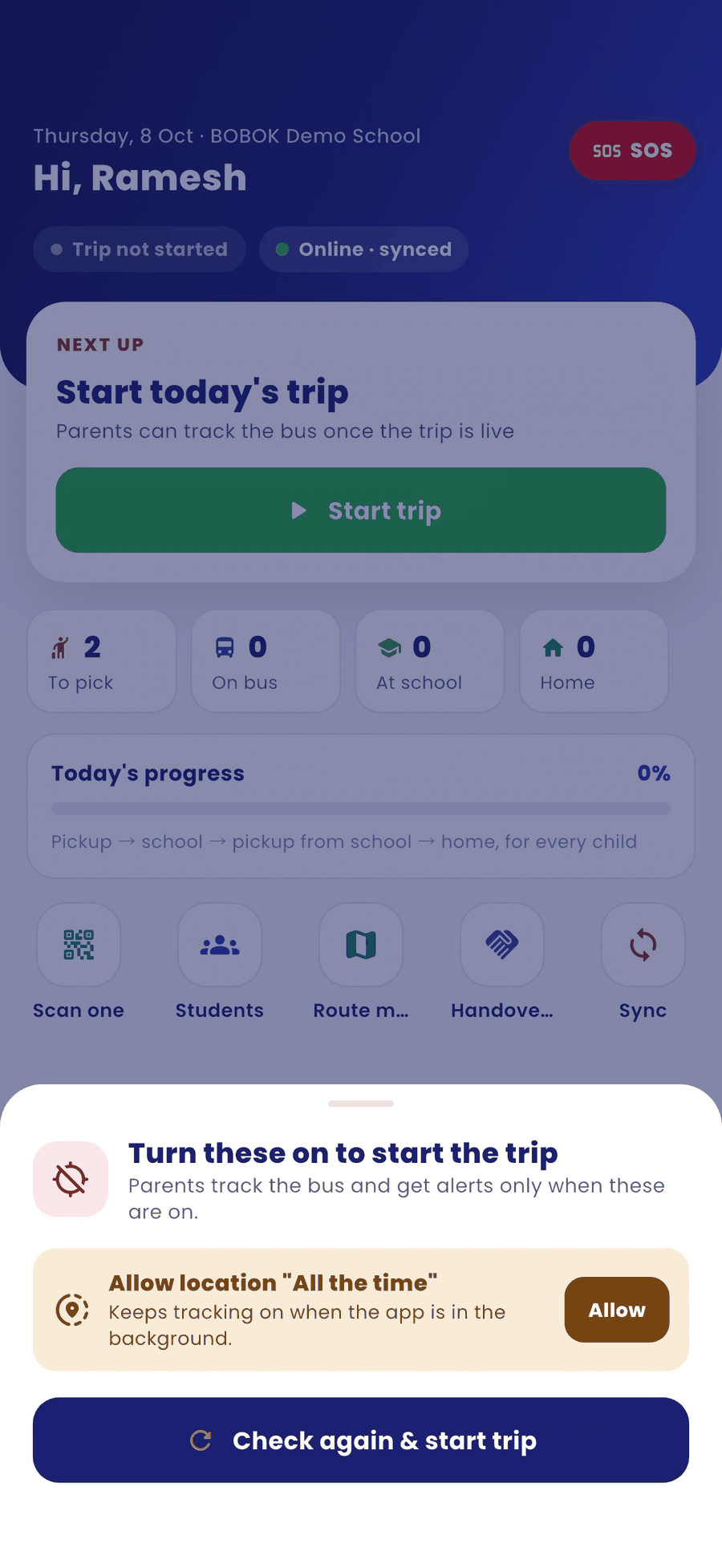
- On the home screen, tap Start trip.
- If a permission is off, a sheet says Turn these on to start the trip. Fix the item shown, for example Allow location "All the time", and tap Check again & start trip.
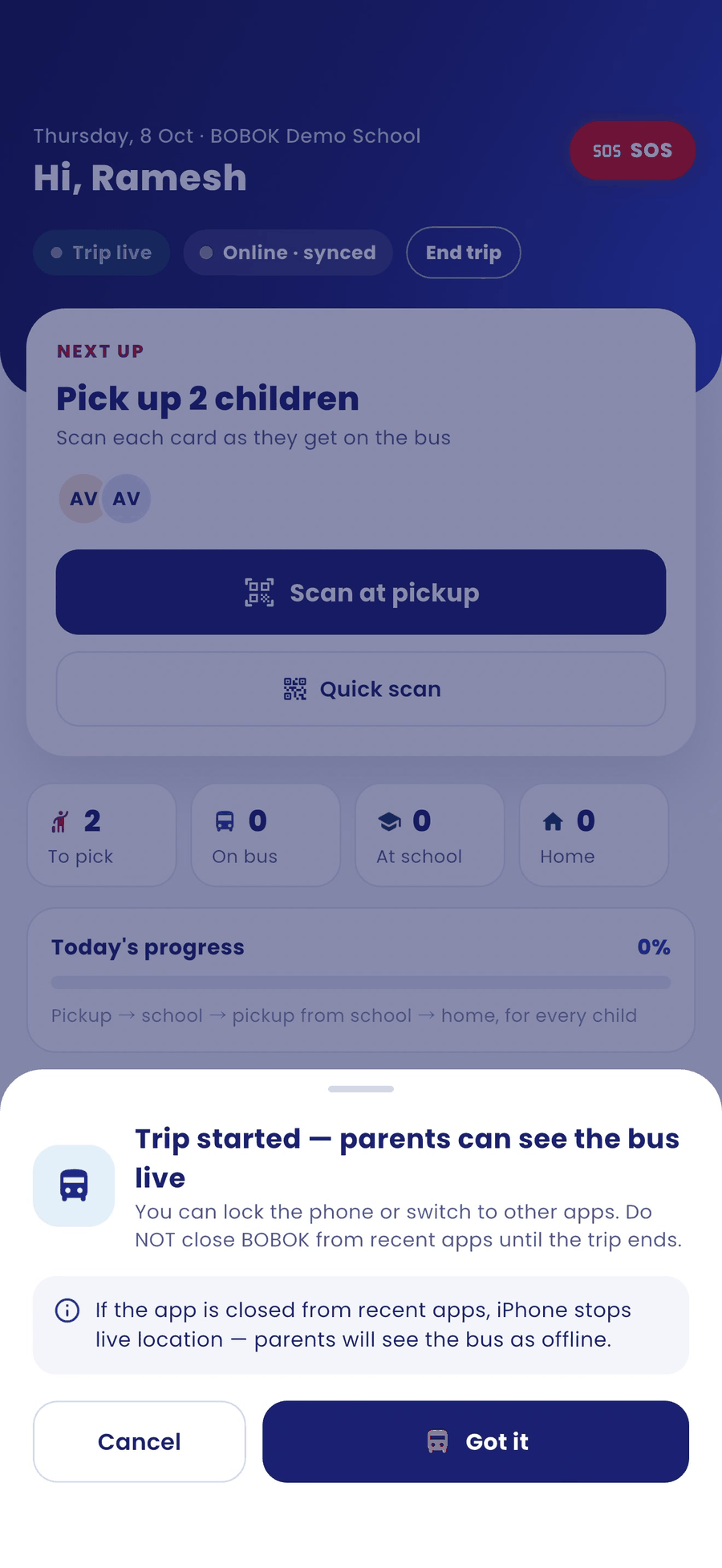
- A message confirms Trip started — parents can see the bus live. Tap Got it.
Good to know
- You can lock the phone or switch to other apps. Do not close BOBOK from the recent apps list; on iPhone this stops live location, and parents will see the bus as offline.
- Keep the phone charged and mobile data on during the trip.